Latest news about Blossom Blast Saga
Support — Get help here
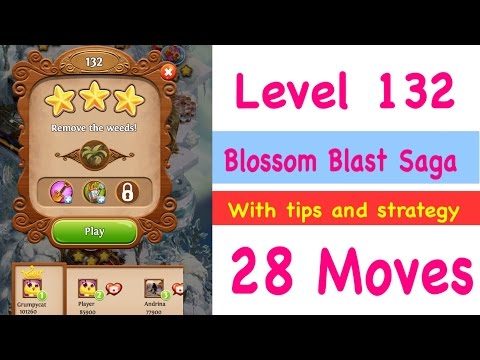
After being stuck on this level for days, I googled it and the video tutorials I found all start the level with 28 moves, but my game starts with 18. It seems to be a bug, because it's impossible to win with so few.
Sign in or register to leave a comment and join the conversation.
The level was updated, now everyone has 18 moves. Look:
https://www.youtube.com/watch?v=pajFCsC-v8E
Blossom Blast Saga Level 132 has been changed again and now we only get 23 moves to complete the level (previously 28 moves) This video walkthrough shows how to pass the new Blossom Blast Saga Level 132 with no boosts. My Strategy for Level 132: End links near leaves early on to push them out of the way. Set off chain reactions near weeds and look for opportunities to make super bloom blasts for fast progress. Link flowers into big buds of the same colour for faster progress and set off chain reactions near the weeds. If you are just short of a super bloom for a big blast, look for a way to either increase the size of existing flowers in the link or connect it to other flowers of the same colour. Watch my guided walkthrough for a demonstration and in-video written tips. Good luck!https://www.youtube.com/watch?v=9XITayyIfhc
Blossom blast saga level 132 has been updated again and now we get 28 moves. Here's an updated walkthrough. My Strategy for Level 132: Push leaves out of the way by ending links of flowers next to them. Link flowers to bloom next to weeds and set off chain reactions to wear down those weeds. Gradually work your way downwards. Watch my walkthrough for in-video tips and a demonstration (I only used 19 moves). https://www.youtube.com/watch?v=bne5D0-FG78