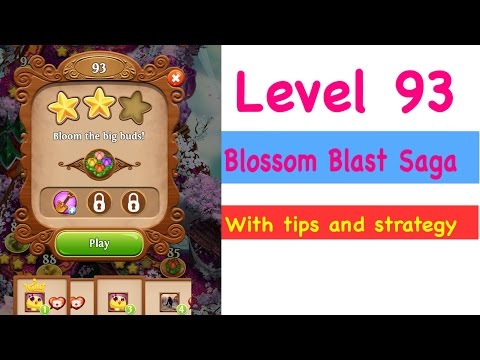
Level 93 on Blossom Blast Saga

I am having problems with level 93.  Any help would be greatly appreciated

Best Answer

  • Grumpy_CatGrumpy_Cat Posts: 67 Level 3
    Accepted Answer

    Try this walkthrough.  My Strategy for Level 93:  Make a superbloom by linking flowers to end at the edge nearest to the big bloom in the middle. You will need to do this twice to reduce the big bud to zero.  Tip: If you have a link of eg pink flowers that almost fill the meter but not quite, use the flowers around that link to try to increase the size of the pink flowers or to connect more pink flowers.  Watch my walkthrough for in-video tips and a demonstration.  Hope that helps! :)

    Accepted Answer

Answers

  • Hey! Would you like to give us your opinion?

  • Grumpy_CatGrumpy_Cat Posts: 67 Level 3
    Accepted Answer

    Try this walkthrough.  My Strategy for Level 93:  Make a superbloom by linking flowers to end at the edge nearest to the big bloom in the middle. You will need to do this twice to reduce the big bud to zero.  Tip: If you have a link of eg pink flowers that almost fill the meter but not quite, use the flowers around that link to try to increase the size of the pink flowers or to connect more pink flowers.  Watch my walkthrough for in-video tips and a demonstration.  Hope that helps! :)

    Accepted Answer

Leave a Comment

Rich Text Editor. To edit a paragraph's style, hit tab to get to the paragraph menu. From there you will be able to pick one style. Nothing defaults to paragraph. An inline formatting menu will show up when you select text. Hit tab to get into that menu. Some elements, such as rich link embeds, images, loading indicators, and error messages may get inserted into the editor. You may navigate to these using the arrow keys inside of the editor and delete them with the delete or backspace key.