Share news, updates, or anything Soda-related you'd love to chat about!
Get help for your Soda game here!
Join competitions for a chance to win Gold Bars and other Sodalicious prizes!
This is were you can talk about fun Soda and off-topic related things with other Soda Players!
Got a feature idea? Share your thoughts to help make Soda even better!
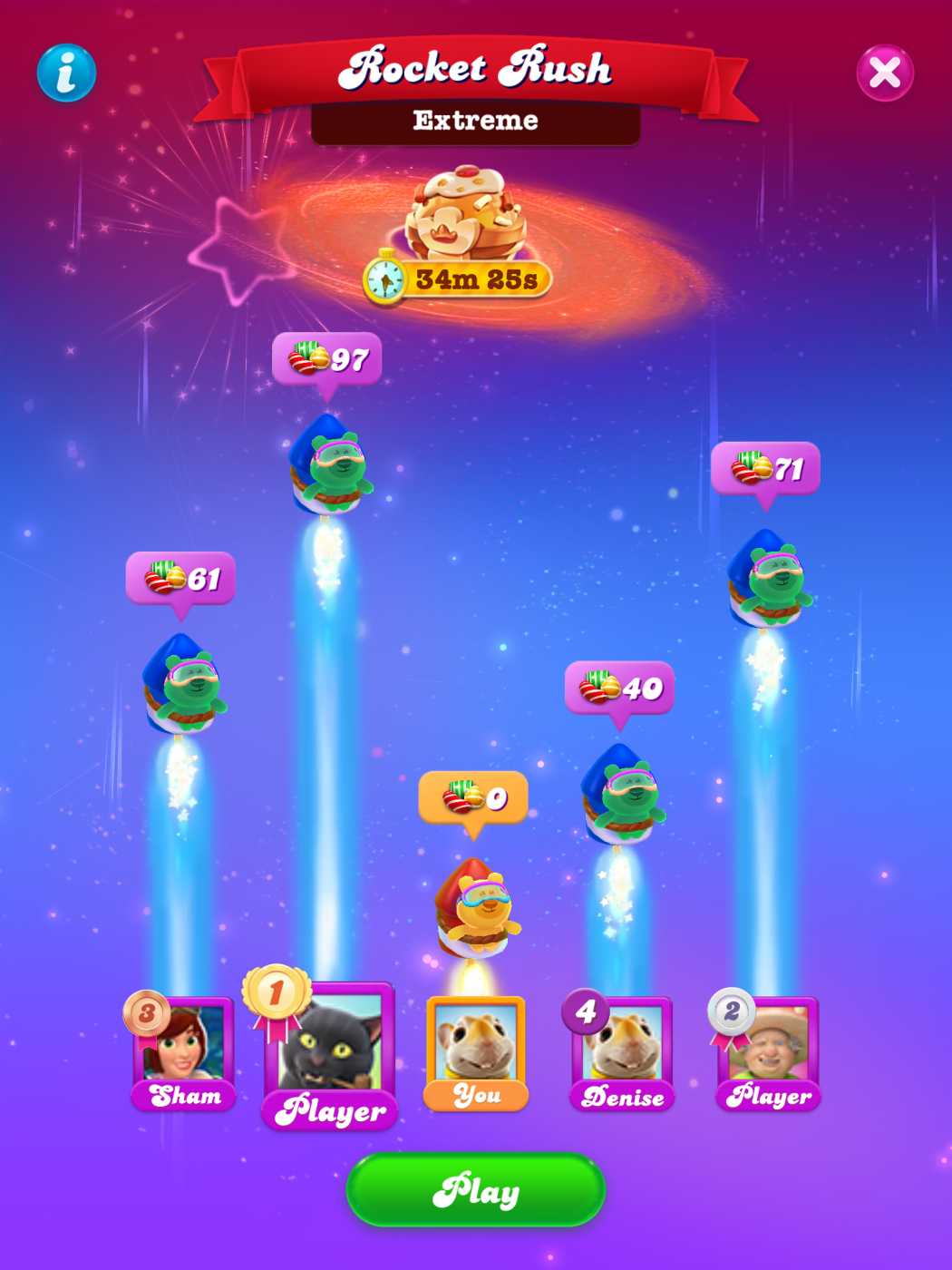
this is what I am talking about I am not getting my candy accounted for.
Sign in or register to leave a comment and join the conversation.
Welcome to Soda Community @gregloves
I am sorry this is happening to you (I’ve had the same expericences)
Do you play on multiple devices? First, please try the following: check for game and device uodates, make sure you have a strong and stable internet connection, clear cache*, restart the game.
*Clear cache in Android: go to settings - tap on apps - tap on candy crush soda - tap on storage - tap on clear cache (not data❗️)
*Clear cache in iOS: go to settings - tap on Safari - tap on Clear history and website data
If the problem persists, we would like to know what kind of device do you play the game on, and what is your Player ID
Clear your cookies a cache, delete browsing history, check for any updates either the Microsoft store or play store update you apps, check for windows update and lastly restart your device. Sometimes a simple reset will fix most issues. If these measures do not correct the problem, use the "contact us" link at the bottom of this page. Please feel free to tag me at anytime if I can be of further help..good luck!🍬🍭🥤✨🎉🤪