Latest news about Diamond Diaries Saga
Support — Get help here
I won the game on level 5600 first but didn't get 5 gold pieces as reward. This is the second time this has happened in my game. I tried to solve the problem as per the guide but it didn't work! The problem still persists.
Sign in or register to leave a comment and join the conversation.
If you still cannot receiving 5 Gold Bars again after you try following all of these steps above, you try following these another steps of how to contact Player Support from this game here! ⬇️😊
1. Open this game and Click on Play button.
2. Click on three horizontal lines' button.
3. Click on ❓ button.
4. Tap on the search bar “How can we help?” and Type in “Thanks”, then Press Enter.
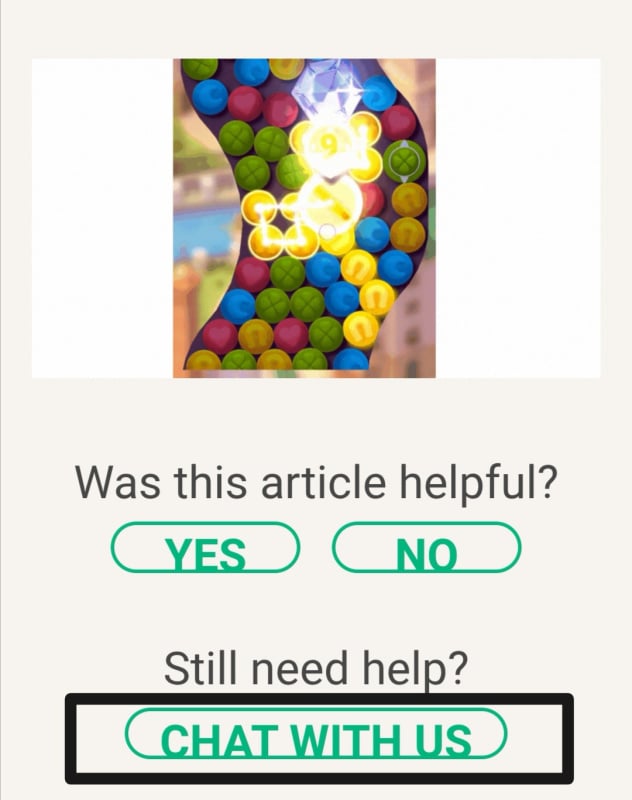
5. Select the article “Thanks for reaching out!”
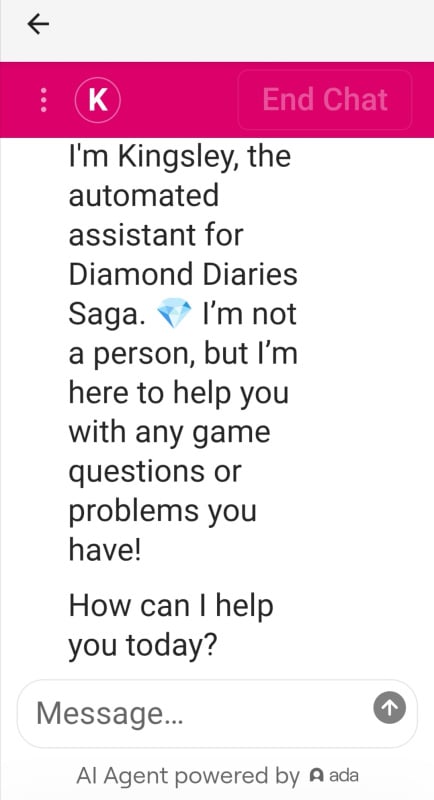
6. Scroll down to the end of it and Tap on "Chat With Us".
7. You ask what's your problem with Diamond Diaries Saga and send your message to Kingsley.
Note! Once you have sent your request, you might receiving an automated response, so please reply back to this email and an agent will be in touch. It can taking up to 72 hours before you receive an answer.
We hope the Player Support Team will checking and helping you to solve your problem soon / later! Thank you again! 🙏🤗
Also thank you for continuing to play Diamond Diaries Saga with us together! 💎🤗
💎🏅 Claim your level milestone badges too! ⬇️😄
1000 // 2000 // 3000 // 4000 // 5000 //
💎 Wanna to win more Diamond Diaries Saga's Badges? Check this out HERE! 🏅😉
Have a wonderful and sassy day! 💎😄
Hello again! @porntip1958 👋😊
Oh dear! We are so sorry to hear about you cannot receiving 5 Gold Bars again after you win on 1st place from City Challenge Feature in this game! 😔
Don't worry! We try helping you to fix this issue / problem then you can receiving 5 Gold Bars back from City Challenge Feature in this game soon! You can try following these steps here! ⬇️😊
Restart : Force close apps and restart your device.
Updates : Check that you have the latest game and device updates.
Memory : Keep at least 2GB of free storage for smooth gameplay.
Connection : Use WiFi instead of cellular data.
Clear Cache :
🤖 Android : Settings > Apps > Diamond Diaries Saga > Storage > Clear Cache
🍏 iOS : Settings > Safari > Clear History and Website Data
As a last resort, you can try reinstalling the app. Note that this will removing all of your inventory boosters and lives from the game, so please do not doing this unless absolutely necessary.