Latest news about Blossom Blast Saga
Support — Get help here
There are so many Big Buds... I have tried many times and can't seem to get through to the ones at the bottom. Any tips please?
Sign in or register to leave a comment and join the conversation.
https://www.youtube.com/watch?v=Rc78s-yJgPE
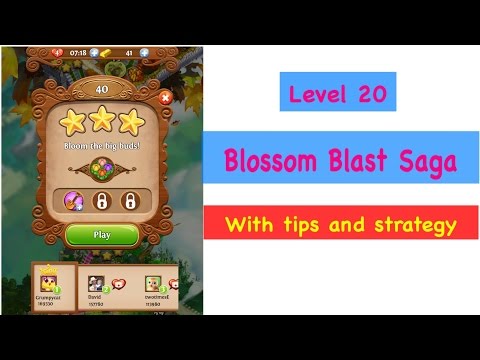
Try my video walkthrough which shows how to pass Blossom Blast Saga Level 20 with 3 stars and no boosts. My Strategy for Level 20: Link flowers to bloom next to the big buds, gradually wearing them down to zero. Link flowers into big buds of the same colour to make faster progress. Once one big bud blasts, it sets off a chain reaction and the surrounding big buds get worn down. Eventually the whole section will blast and bloom. Watch my walkthrough for a demonstration.
https://www.youtube.com/watch?v=Rc78s-yJgPETry my video walkthrough which shows how to pass Blossom Blast Saga Level 20 with 3 stars and no boosts. My Strategy for Level 20: Link flowers to bloom next to the big buds, gradually wearing them down to zero. Link flowers into big buds of the same colour to make faster progress. Once one big bud blasts, it sets off a chain reaction and the surrounding big buds get worn down. Eventually the whole section will blast and bloom. Watch my walkthrough for a demonstration.
.