Latest news about Blossom Blast Saga
Support — Get help here
I'm on level 35, and have had 2 levels already named "hard" by the program. My wife says she did not get a level marked "hard" until she was above level 90 ?
Sign in or register to leave a comment and join the conversation.
Level 35 has been changed after the original level launch. And the marking of HARD LEVELS was added as black levels way after Blossom Blast Saga was developed. Therefor I guess that you have different versions of the game at your two devices. My advice is too keep the different versions in order to take advantage by playing the easier version of any level changed! Do not update before you are out of new levels to play!
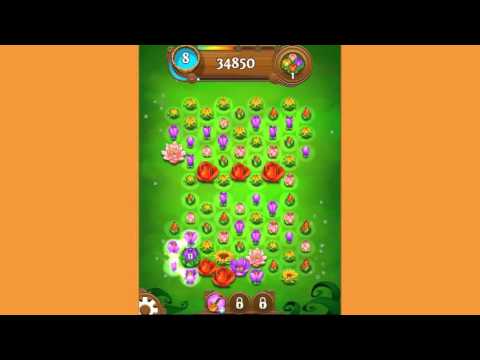
This is how Level 35:look like when I played the first time.
https://www.youtube.com/watch?v=SSdeyTQ0iu4
Hi UkeRon!
Some of the levels gets adjusted over time. I'm guessing you're having two different versions of the game installed. If you update both devices on iTunes then both games will have the same targets and will be marked the same.
Please check here for updates: https://itunes.apple.com/us/app/blossom-blast-saga/id973482525?mt=8
Cheers :-)