Latest news about Bubble Witch 3 Saga
Support — Get help here
Win Gold Bars and more!
Help us make the game even better
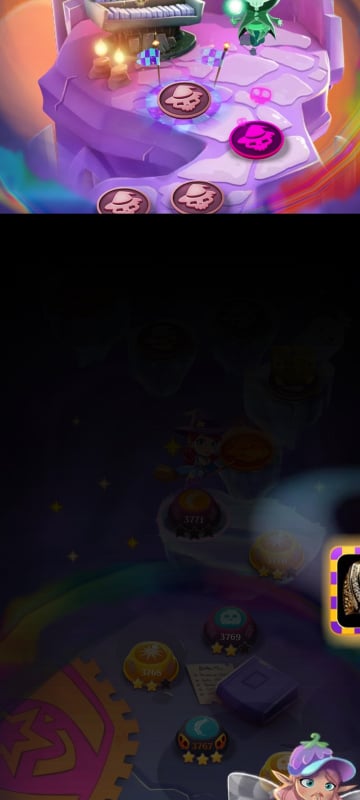
Everything has been working fine until I finished the race I won second but when I open my game it shows half the screen and it won't let me collect it I've tried closing and reopen and nothing working
Sign in or register to leave a comment and join the conversation.
Hi Witches and Wizards! 🧙♀️
To resolve the split-screen issue, please make sure your game is updated to the latest version.
If, after updating, you encounter the white screen that some players have reported, there is a temporary workaround: try tapping at the bottom of the screen to remove it.
The team is actively working on a proper fix for the white screen issue. Thank you so much for your patience while we sort this out. @PrettyBubbles
Hi everyone, thanks for your patience 🙏 We know this issue has been taking longer than expected, and we understand how frustrating that can be. The Studio is still actively investigating the problem to identify the root cause and make sure the fix is solid.
As soon as we have an update or next steps to share, we’ll post it here right away. Thanks for bearing with us while this is being looked into.
Thank you Mary, glad that you got sorted. Fingers crossed for the rest of us.
hello,
I sent an email to customer support:
.bubblewitch3@king .com
They are so helpful and I finally got back into the game, ( my screen are split and the frozen),
I hope this help🤗
~Mary
Please message me if you need any help.😊 Good luck.
How do I contact someone from King? People on here can tell you something is fixed, but that’s obviously not accurate. How can we get ahold of someone who works for King in Support? This is getting ridiculous.
All the games I play are by King. What happens in one and how long it takes to get fixed affects my attitude toward all of their games.
Exactly this should be taken more seriously especially for the faithful players that spend money and take your game seriously King Games
This is still happening to me it has been days that I haven't been able to play
I just tried it on a different device and on that one it's a completely white screen, nothing, nada, zilch.
There's something very wrong going on 😕
What's this, 4 days isn't it @PrettyBubbles @Snow_Rider
Unbelievable really, a fix should've been applied by now.
And i'll say it again, this site is an absolute nightmare to navigate. I don't know what you've done to it, or what platform you're now using, but it's awful. A clunky mess that's near impossible to get around.
Hi my friend I have raised with our team I am Awaiting further feedback 💓
Hello,
I have managed to regain position and level (at 10147) through the tips provided on guidance.
Sadly now when I go into this level the screen has a big white patch over it and is frozen. I reported it. I had a reply from Mary but have been unable to reply and thank her for letting me know that it is still not fixed but support are looking into it. Unfortunately I can't follow the threads well on this site to do so directly.
Now 3 days of not been able to play. Please can support let me know when it is going to be repaired.
Same as well, game is still not working, but when I last played I had 3 events going on the race , the who can beat the most levels and the tournament :( due to this issue I won't be able to collect any of the rewards I earned
I’m sorry but it is not repaired. FYI: I’ve been working with King Support about this issue. They are great.
Mary
What's happened to this site? The comments and threads are all over the place, i can't follow anything. Are you using a different platform @Snow_Rider , because it's awful 😞
Anyway, still no fix, i haven't been able to play for 3 days now. Lucky there's not a forum competition atm or a lot of us would be missing out.
The game still doesn't work for me.
J'ai le même problème
I have also done all the things suggested and my IOS screen is the same as described here.
Nekem is ez a problémám SOS !!!!!!
finally got rid of the split screen issue but all my rewards have disappeared from my account profile after accumulating over several months. Please organize to reapply them to my profile
I have the same problem but after logging out and back in it is finally fixed. However I have lost all my rewards accumulated over time. How can these be reinstated please
Hi there! Thanks for following up and sticking with us! We’ve shared with the Studio that the workaround didn’t help and that players are still experiencing the issue. The team has resumed the investigation, and we’ll keep you updated as soon as we hear back from them.
Thank you all. Glad it’s not just me but I still can’t fix it.