Chat about Candy Crush Saga, share thoughts, news, or anything sweet!
Support - Stuck or having an issue? Ask a question and get help from other players!
Enter for a chance to win Gold Bars and sweet in-game rewards in Candy Crush Saga!
This is your chill zone! Talk about anything that’s not Candy-related with other Candy players!.
Have a sweet suggestion? Share your ideas to help improve Candy Crush Saga.
The sound comes on every time I log in. I would like it left off. How can I do that?
Sign in or register to leave a comment and join the conversation.
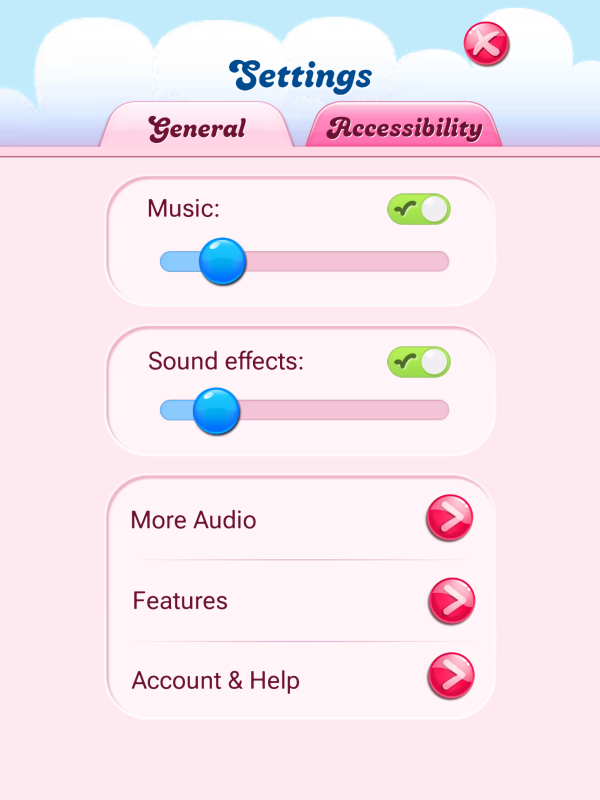
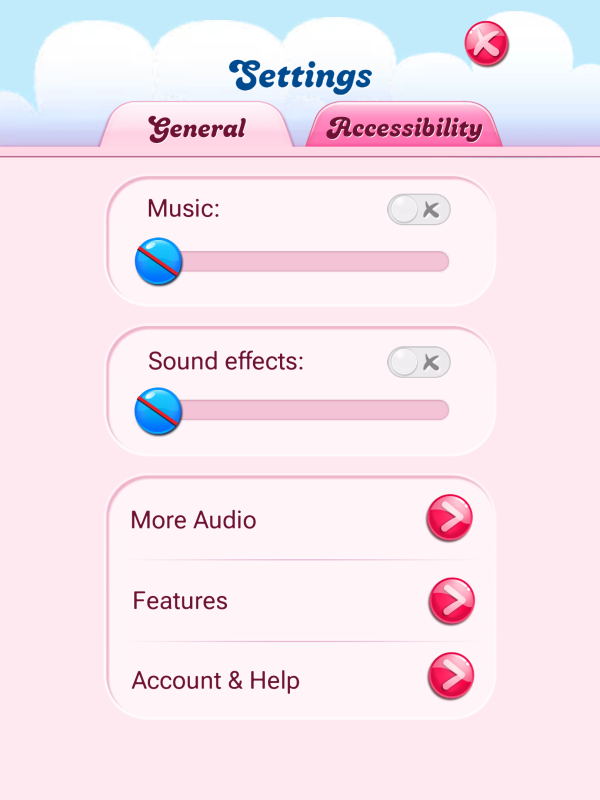
See the green tick in the box in the screenshot posted above by "me"? Untick that box and you will have no sound from the game, ever.
Here again to show the sequence:
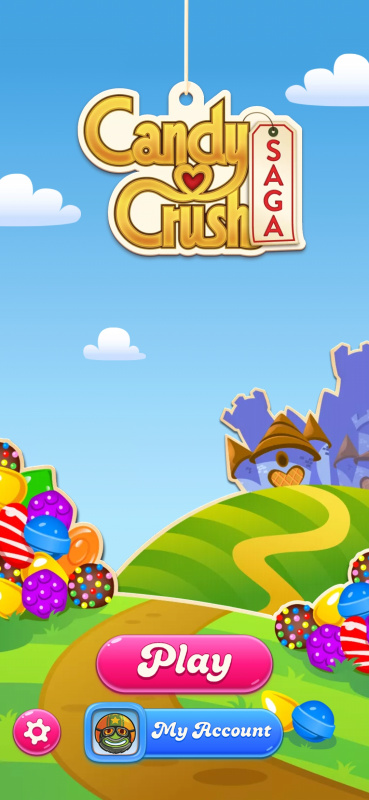
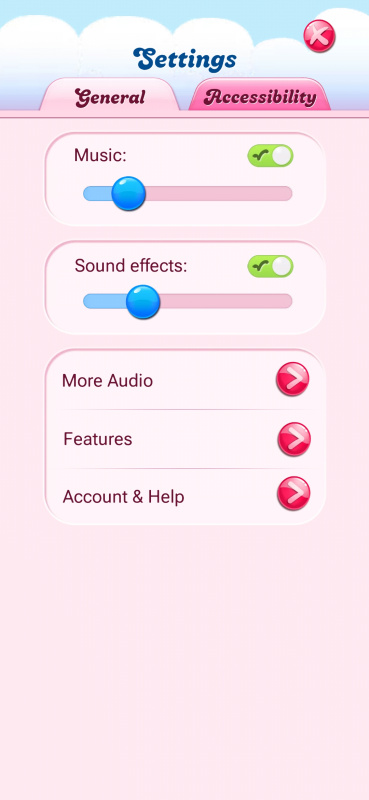
Go into settings. That is the small pink cogwheel at the top right of the map screen. In settings you see this:
If yours looks like this:
You turn off music and sound effects by either clicking on the green tick or by moving the blue slider towards the left. It will then look like this:
That means there will be no sound from this app until you uninstall the app.
How can I turn it off and leave it off?
Turning the volume down on your device works too… I don't blame you for turning it off - I don't like it either!
1_ Click on the wheel or adjust as shown in the picture.
2_ Find the voice control