Chat about Candy Crush Saga, share thoughts, news, or anything sweet!
Support - Stuck or having an issue? Ask a question and get help from other players!
Enter for a chance to win Gold Bars and sweet in-game rewards in Candy Crush Saga!
This is your chill zone! Talk about anything that’s not Candy-related with other Candy players!.
Have a sweet suggestion? Share your ideas to help improve Candy Crush Saga.
screenscreenshots
Sign in or register to leave a comment and join the conversation.
Hello @alinuursahlu and Welcome to this King Community!
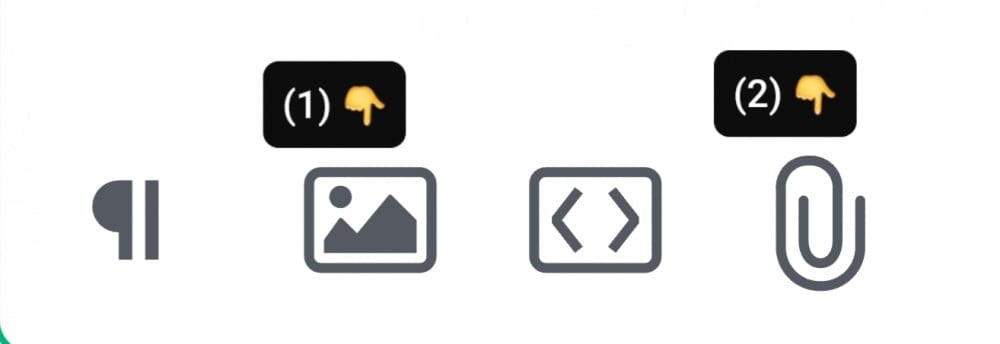
There are 2 options for sharing your screenshots in this Community:
(1) Click on the "picture" icon at the bottom of your post, or (2) click on the "paperclip" icon at the bottom of your post
Either option then allows you to add an image from your files of screenshots. The only difference is how they are displayed in your post. Option (1) displays the actual screenshot, whereas option (2) displays the file name which must be clicked to open.
Also, here is a web-page that tells you how to take a screenshot from any device ---> How to Take a Screenshot
If you have a different question, please provide more detail.
Hi @alinuursahlu are you asking a question about screenshots?