🔔 Update (April 9):
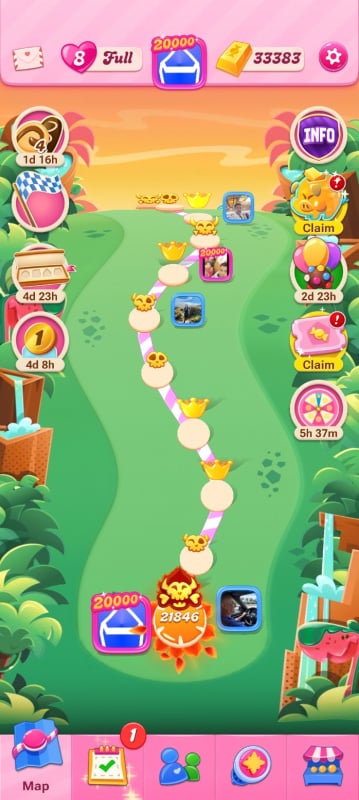
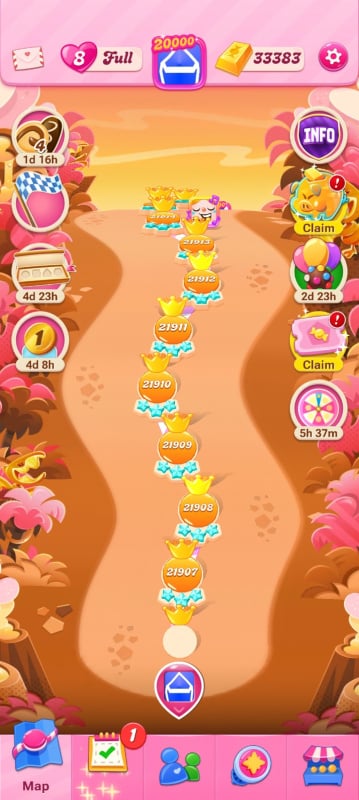
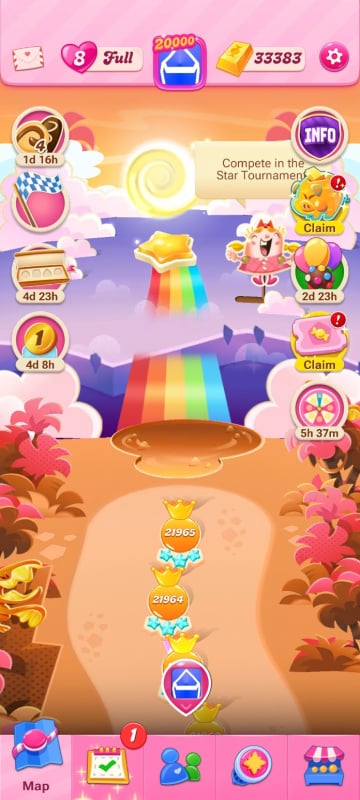
The issue that was causing levels and progress not to sync correctly across devices after the recent level release has now been fixed.
However, some players who were already affected may still notice that their progress, levels, or events are not updating correctly.
What you can do:
First, restart your game and make sure you’re connected to the internet
Play and complete one new level, then return to the map
If you use multiple devices, open the game on your other device after that and check if your progress updates
Still not working?
If your progress is still out of sync after trying the steps above, please contact Player Support so they can take a closer look at your account:
Open the Game app and go to:
Settings (cogwheel) → Account & Help → Help Center → select any topic → scroll down → Contact Us