Chat about Candy Crush Saga, share thoughts, news, or anything sweet!
Support - Stuck or having an issue? Ask a question and get help from other players!
Enter for a chance to win Gold Bars and sweet in-game rewards in Candy Crush Saga!
This is your chill zone! Talk about anything that’s not Candy-related with other Candy players!.
Have a sweet suggestion? Share your ideas to help improve Candy Crush Saga.
...
Sign in or register to leave a comment and join the conversation.
Just testing……
Yes: I only seem to get the scrolling problem when I access the thread via notifications. If I load the page normally via the bookmark in my internet browser I get to the Discussion main page, can click on this thread normally and when I do this the comment box stays still and there is now jumping about.
I can edit, read other comments and get back to my edit normally. So I will unbookmark this thread.
I now can't even read the post I just made without it flicking off the screen and landing back on the previous post. Terrible. It took me three attempts to get back to the comment box to post this. I wonder if there is a connection with "notifications" and will investigate. I had accessed the thread via the notifications bell .
There are definitely some errors with the scrolling. I now keep losing the place I am reading. The page jumps about. If I try to scroll to the top to get to other threads, it jumps back to the latest comment in this thread.
I just lost this comment box and couldn't get back to it at all. There is a small message in the left bottom to "navigate back to draft". But even that only worked after the third click on it. Now I am back in the comment box. This system is cumbersome and infuriating. It is against my nature to post anything without due consideration: If we want to scroll or move somewhere else to check some facts or what others wrote we need to be able to get back to our comment easily.
My question is this: Why is this system saving a "draft" all the time? Perhaps it would be better to only proactively save drafts? I only just noticed I have over 1000 drafts saved on this website! Why? I wasn't aware the system saved all this and it is unnecessary and surely clogs up the system at the server end.
I do have the same problem, Carol-38. I am on mobile. It just now did it to me again - I cannot now scroll to see the beginning of this message.
I used the link inside the app itself. I was assuming that would be how most players would access the community now. The app is Candy Crush Saga, so the link brings me straight to the CCS site. If you search using the internet it's more difficult and confusing I guess.
Thanks Queenie, I will keep trying, because that's the kind of girl I am 😁
Thanks @Alienscar I'm not glad you've got the same issue, but at least I now know there is one. I don't get draft message being saved, so something else that's different. OK I'll wait and see what it's like in a few weeks 🙃
Hi Carol,
Just wanted to let you know that we reported this bug so it's being looked at! I myself also had this experience and found that if you refresh the browser it works and you can scroll through your reply before posting.
Except that isn't necessarily the view that will greet new members @christinewupp
My guess is you landed at that view using a saved shortcut.
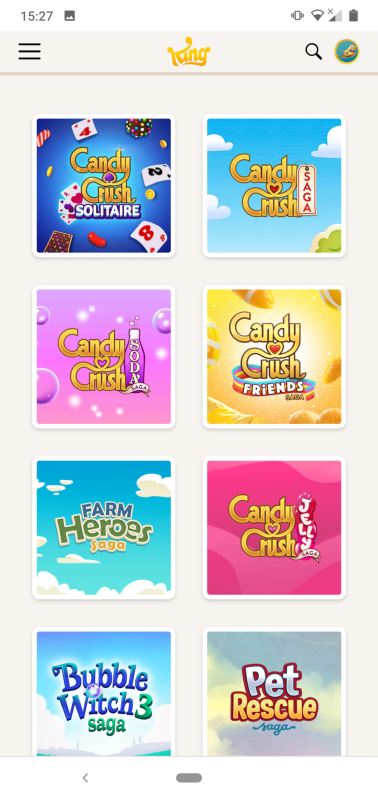
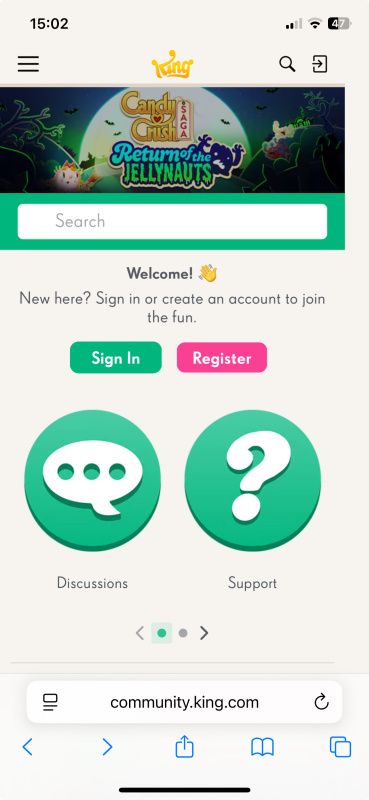
I think the view greeting a lot of people searching for this forum will be this
You then have to scroll down to find the game you are interested in
Once you click on CCS you are then presented with the view that you see.
I am not sure it is worth posting just yet as the forum is still under construction, but yes I am having the same issue as you when replying @Carol-38 at the moment. I managed the issue by typing a few words then opening the draft message that is saved. Opening the draft appears to make everything work again.
I couldn't carry on with the Reply @MannyFae the box just shrinks to show only 3 rows and it doesn't allow me to scroll and the bottom just disappears. Had to give up, think I might give the Reply box a miss in the future.
I have done a reply to a reply recently and it was good. Now with this one it has just happened and that's just on the second row. Then when I click out of the box everything look good, but it is only showing my last three
rows and it won't let me scroll to see what I have put above. Clicking again outside the box it shows the bottom of the page and oh I'm giving up it's a flipping nightmare.
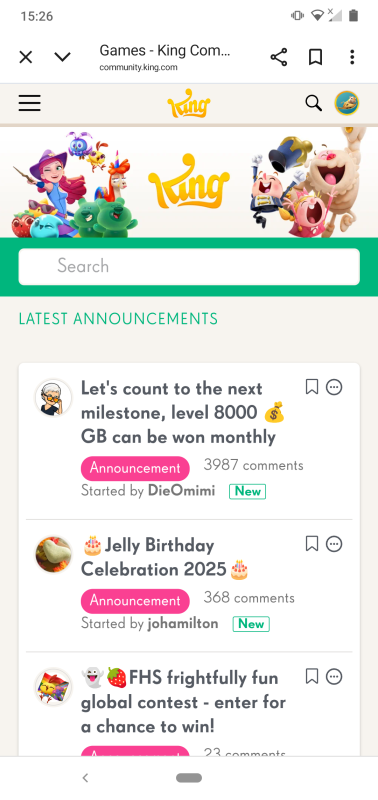
I have tested out the King Community on my phone and it's actually ok for someone stuck in the game and just wanting to look up some answers. I quite like the layout people get when they first enter the site:
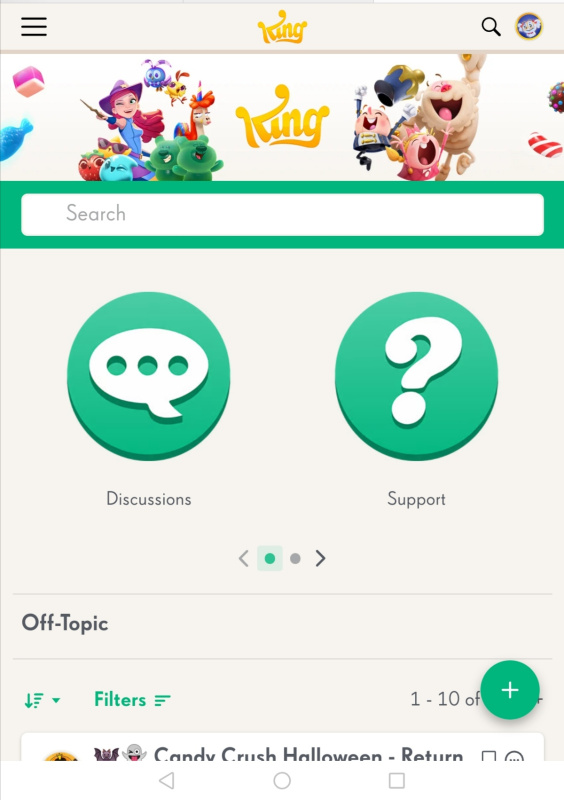
Once you click on anything this comes up:
There is no need to actually register to look at anything, which is good.
The search bar is quite prominent at the top and I did type in "level 8061" to see where that got me. Not to my solution thread unfortunately, but to others that do lead there, and the screen does look good for that as well.
You can easily click on all the threads and read them without having to create any account. It might ok for newcomers, people coming directly from the app.
Is this happening while you are writing a reply? I don't seem to have this particular problem, even though on my iPad it keeps scrolling up to the original post when I pause typing, but that's manageable. On the phone, it just keeps telling me that I have a draft available and keeps scrolling up to the original post, so I can't even go to that draft. The forum is next to unusable for me on the phone.
Mine is good. I use my iPad with magic keyboard and as I type the entire box is visible and it grows as well if I type more than there is space.
Are any of you @Alienscar @christinewupp @MannyFae @Nobody1 having a problem with the Reply box. Once I've done 3 rows it shrinks and the bottom with the 5 click on's disappear. Sometimes when I click off the page the bottom appears again, but no matter what I do I can't scroll back to the top to check what I have put.
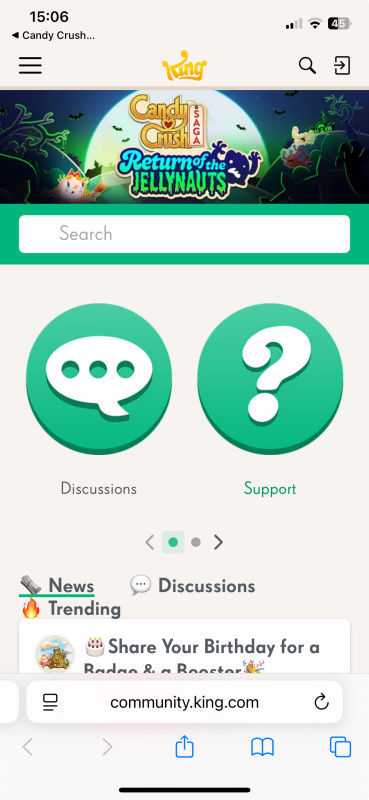
More feedback @QueenB 😊 As @Nobody1 said the tabs for Discussions, Support, etc are too big
OK those of us in the Community know there are more but newcomers probably wouldn't swipe to the left to see Contests and Ideas.
Also what is the reason for badges next to our labels
It's a bit like the Player Cards, info added just for the sake of it. And apart from that I have much better badges that could be shown rather than what's just been plonked there.
Thanks again 🤗
One thing I really dislike is that due to the subthreads (replying to someone else's post in nested fashion), a lot of times it is hard to find the newest posts, since entering the thread jumps to the last read base level post. So then you have to search the entire thread to find the new subpost. I hate this on reddit and now I hate it here too - it works the same here now as it does on reddit. Subthreads are really a terrible idea on a forum.
Those orange horrors disappeared yesterday just after those posts were written, so they must have taken some of our feedback into account. The forum is more or less usable for me on both laptop and iPad, in portrait or landscape mode. Upon trying it on the phone, it seems that it's even worse than before. It's surprising since the main goal of changing the layout was to improve the mobile experience.
Tagging in replies allows me to quickly find it from the bell notification. Hurray!
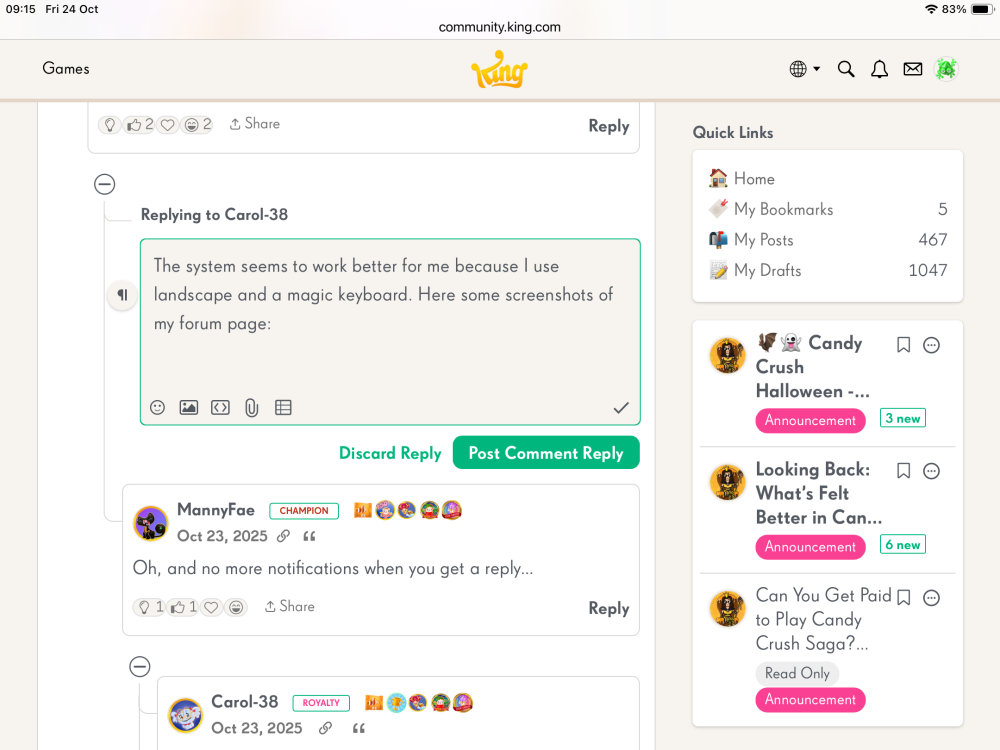
The system seems to work better for me because I use landscape and a magic keyboard. Here some screenshots of my forum page:
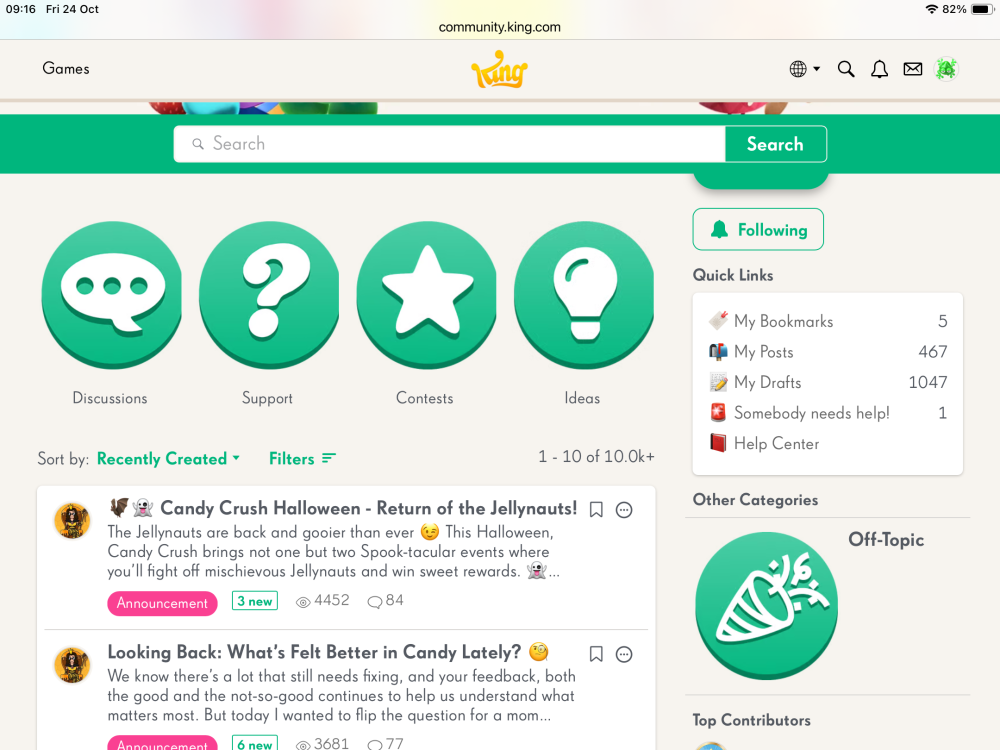
Here the front page:
This page almost looks the same it always did for me. I no longer see those orange icons and it's pretty clutter free, but the green circles could do with being a bit smaller.
As is visible here I'm still struggling to tidy up my account: What are those 1047 drafts I wonder…… I did just tidy up my unintentional bookmarks.