I have two iPhones, and two different accounts. On both of my phones, the play button at the beginning of the game does not activate all the other components work except for that I have reset my iPhone, I have gone in and out of the game and it still happens. What is the problem?
Edited by CM:
Hi everyone,
I’ve merged a few posts here as they seem to be connected to game freezing or buttons not responding.
Just to clarify, we’re seeing two different issues being reported:
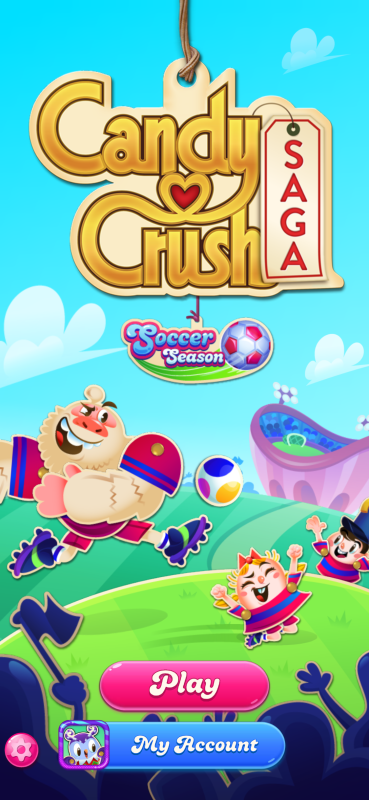
1. Play button not responding on the start screen
Some players are opening Candy Crush Saga, tapping Play, but the game does not continue from the start screen.
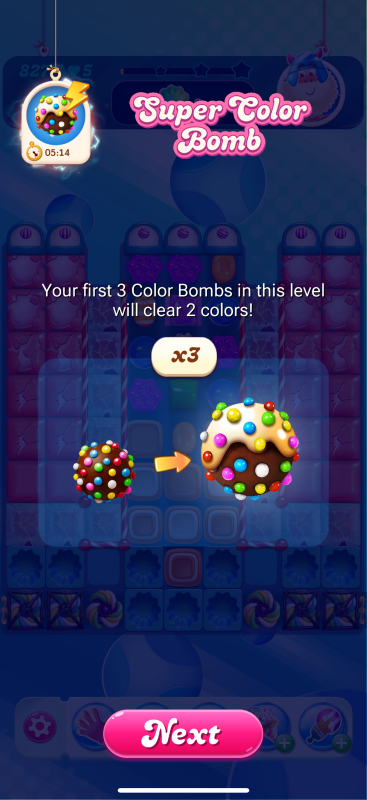
2. Super Color Bomb / reward screen freezing
Some players are able to enter the game, but then get stuck when the Super Color Bomb reward screen appears, especially when tapping Next.
Both of these have already been flagged to the Studio and are currently being looked into. I don’t have a fix or timeline to share just yet, but I’ll update this thread as soon as we know more.
In the meantime, @Alienscarmentioned that waiting a few seconds before tapping again helped them continue. This may not work for everyone, but it could be worth trying while the team investigates.
Please also make sure your game is updated to the latest version available in the App Store or Google Play Store.
If you are still seeing this issue, it would really help if you could share:
- Your Game ID
- Your game app version
- Your device model
- Whether you are stuck on the Play button screen or the Super Color Bomb / Next button screen
- A screenshot if possible
Thanks for sharing your reports so far. I know it’s frustrating when the game gets stuck like this, especially if boosters or win streak rewards are involved. We’ll keep passing your examples on to the team.