How do I create a team?
You can create your own team and invite other players to join. Follow these steps:
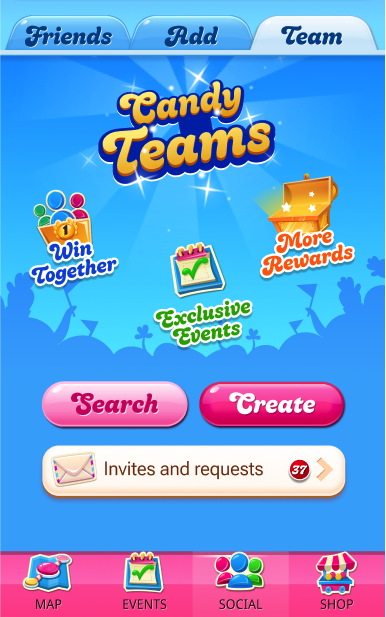
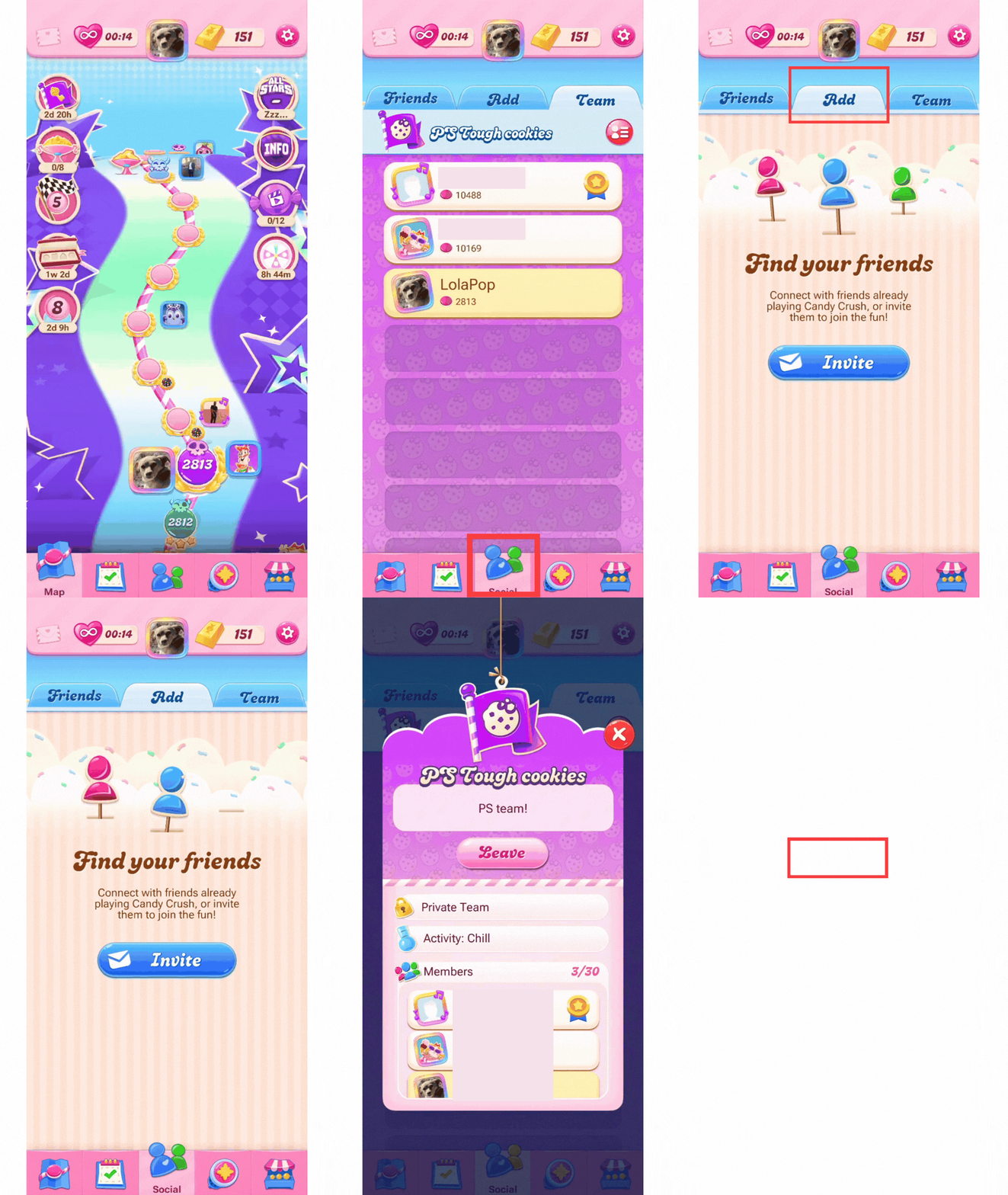
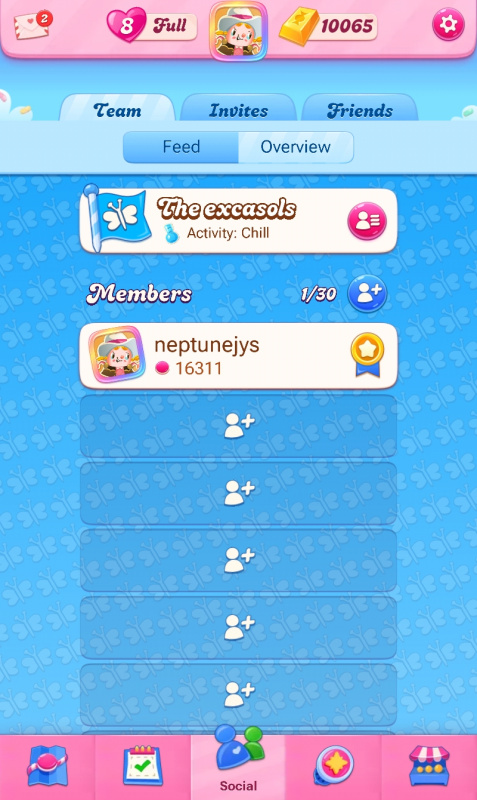
- Go to the Social tab in the game.
- Open Teams.
- Select Create a team.
- Choose a team name and settings (you can add your own symbol and color and a description for the team!)
- Decide if you want to create a private team or a public team:
- Private team: other players will send you a request you need to accept before they can join
- Public team: other players will automatically join when they tap on the Join button
- Teams can have up to 30 players
How do I join a team?
If you prefer to join an existing team, you can search for one. Just open Teams and use the search option to find one you like:
- Tap the team you want.
- Send a join request or join if it’s open.
You can also accept invitations from teams.
Can I leave a team or switch to another one?
Yes, you can leave a team at any time, by opening your Team and tapping the red menu button:
- Select Leave team.
- Once you leave, you can search for and join another team.
⚠️ Important:
If you leave a team during a Team event, you will lose your progress and won’t receive the rewards. After joining a new team, you must wait for the next event to participate.
What happens if team members are inactive?
Team members who are inactive for 30 days will be automatically removed to keep the team active.
If the team leader is inactive for the same period, they will also be removed and another team member will be automatically promoted to leader, so the team can keep playing together.
Can I play team events without a team?
No, you can’t play team events without being part of a team. Also, if you have fewer than 4 Candy Crush friends, the team events may not appear in your game.
Why can’t I see the Teams feature?
There are a few possible reasons:
- You have not reached Level 20 in the game yet.
- Your internet connection is unstable.
- The feature may not be available for you yet.
Make sure you have a stable internet connection and your game is updated.
The Teams feature is being rolled out gradually to more players, check back later to see if it becomes available in your game!
How do I remove players from my team?
Only the team leader can remove players. To remove someone:
- Go to Social → Team.
- Tap the red menu button.
- Select the player you want to remove.
Inactive players will also be removed automatically after 30 days.
Why can’t I find my team anymore?
If you cannot find your team, it may be because:
- You were removed by the team leader.
-
Why can’t I find a specific team?
If you cannot find a team:
- Make sure you have a stable internet connection.
- Try searching using at least the first 3 letters of the team name.
- Scroll through the results and look for the team flag.
How do I report cheating or inappropriate behavior?
If you believe someone is cheating, using an offensive avatar or behaving in a way that violates the game rules during a team event, you can contact Player Support. Our team will review the report and take appropriate action. More information: How do I report abuse, offensive content, or cheats?