Chat about Candy Crush Saga, share thoughts, news, or anything sweet!
Support - Stuck or having an issue? Ask a question and get help from other players!
Enter for a chance to win Gold Bars and sweet in-game rewards in Candy Crush Saga!
This is your chill zone! Talk about anything that’s not Candy-related with other Candy players!.
Have a sweet suggestion? Share your ideas to help improve Candy Crush Saga.
@QueenB @LoFiGummy @Snow_Rider
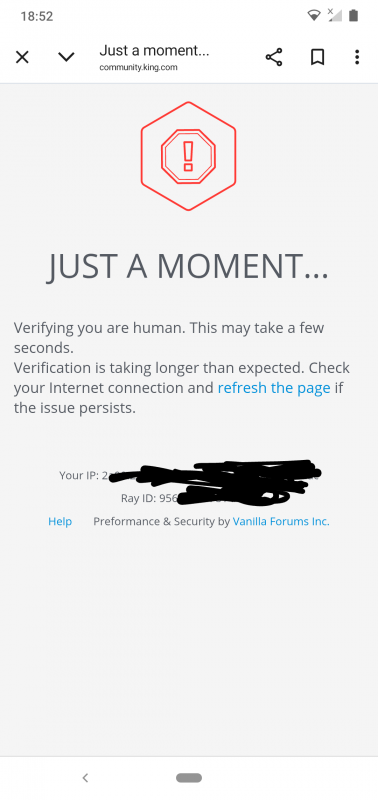
It took me ages to access the forum this evening due to the issue shown below.
Sign in or register to leave a comment and join the conversation.
The way categories are structured are currently too large to show more than two buttons on screen
Thanks for the update @QueenB
Part of the frustration caused by the community update is that issues being caused by Vanilla never used to exist even though this forum used Vanilla. The categories all used to fit along the top, so the fact that they don't now means the 'improvement' has failed at a very basic element.
It shouldn't, in my view, require changing to a list or grid view as that never used to be the case. The issue seems to be the placeholder size is far too big for a mobile screen.
It is what it is though and as it has been nearly two months of suffering from the same reported issues I guess there won't be any change soon.
Thanks for flagging this 🧐
I'm trying to reproduce it on my end (I'm on iOS) but not seeing the same thing at the moment. Just to help us narrow it down, could you let me know:
Just wanted to follow up with a bit more context after checking with the team!
Right now, the category header resets whenever switching sections so even if you scroll to “Ideas,” select it, and land on the correct section, the top banner still slides back to the first tab (like “Discussions”), which is confusing. We totally get how that breaks the experience and makes mobile navigation challenging.
The way categories are structured are currently too large to show more than two buttons on screen. The only workaround for now is switching to a list or grid view, but that comes with trade-offs too (like losing the icons).
So yeah, you're not imagining it, and this has been passed on as part of our ongoing feedback. Thanks again for your patience and really appreciate how clearly you’re flagging these pain points 🙏
It is getting harder and harder to use this forum as a mobile user @QueenB
When I navigate to the Ideas board I have to first scroll the board titles to find the Ideas heading.
When I then open the Ideas board the board headings scroll themselves back to show the Discussion board heading whilst I am still in the Idea Board
This makes using the Idea board very difficult as there is no longer any easy way of getting back to the board you are in now after reading a post.
I am truly fed up of Vanilla prioritising a landscape view over a portrait view for mobile users
All of the main Board titles used to fit on screen without the need to scroll. To offer a mobile friendly UI we need that back again
PS: none of the issues in this thread have been resolved yet.
The URL of the thread is https://share.google/3rFXPQP5lnSioMXLl
@QueenB
The always on reactions appeared as soon as I opened the thread and this is third time it has occurred. The first time was 28th Oct
The issue didn't occur on my laptop using an edge browser.
At the time neither refreshing the page nor reopening the forum helped.
The issue has stopped now.
Oh no! That definitely looks off 😳 Thanks so much for flagging it.
Would you mind helping us figure out what’s going on by answering a few quick things?
In the meantime, it might be worth trying to refresh the page or check if the same thing happens in a different browser, just so we can rule out a local glitch.
OMG @QueenB this forum is getting worse
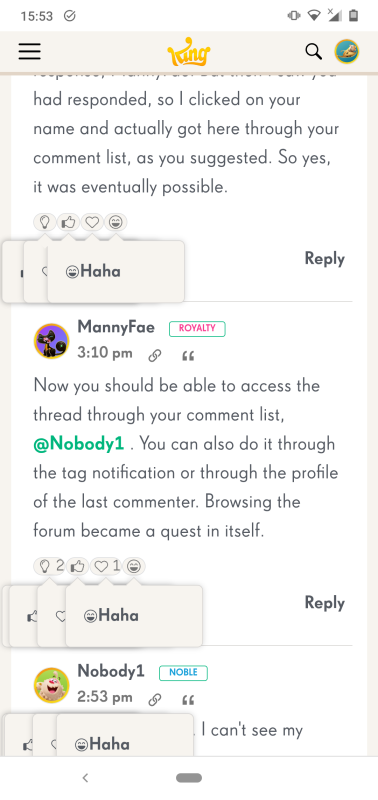
Look at the reactions. I haven't touched them they have done that automatically.
No, just temporary, but one more piece of the puzzle.
Hi @Peaches12 yes, clicking on your notification from the Looking Back thread resulted in me being able to see all the comments again.
I was hoping that might fix the issue, but opening the thread after still results in an empty thread being displayed.
...
For me, it will work from a notification. I just tagged you, @Alienscar in Looking Back… see if you see comments by clicking the link in notifications.
Same result using your link @QueenB
Thanks for letting me know🙏 One more try, can you ty this link HERE? I'm trying to see if it can be a urls issue as well 🤔
If you're able to try a different browser or refresh a few times, it might help in the meantime.
Neither refreshing, nor using a different browser makes any difference @QueenB
I get the same result using the Edge browser on a laptop as I do using Chrome on my mobile.
Heia 🙂
Yup, we're aware of this issue and it's been reported … they're still digging into it. Super frustrating, I know 😣
If you're able to try a different browser or refresh a few times, it might help in the meantime. But if not, hang tight, hopefully a fix won’t be too far off.
Really appreciate your patience (and for always keeping us in the loop 🙏).
@QueenB as a lot of people are complaining about why are comments from some threads missing?
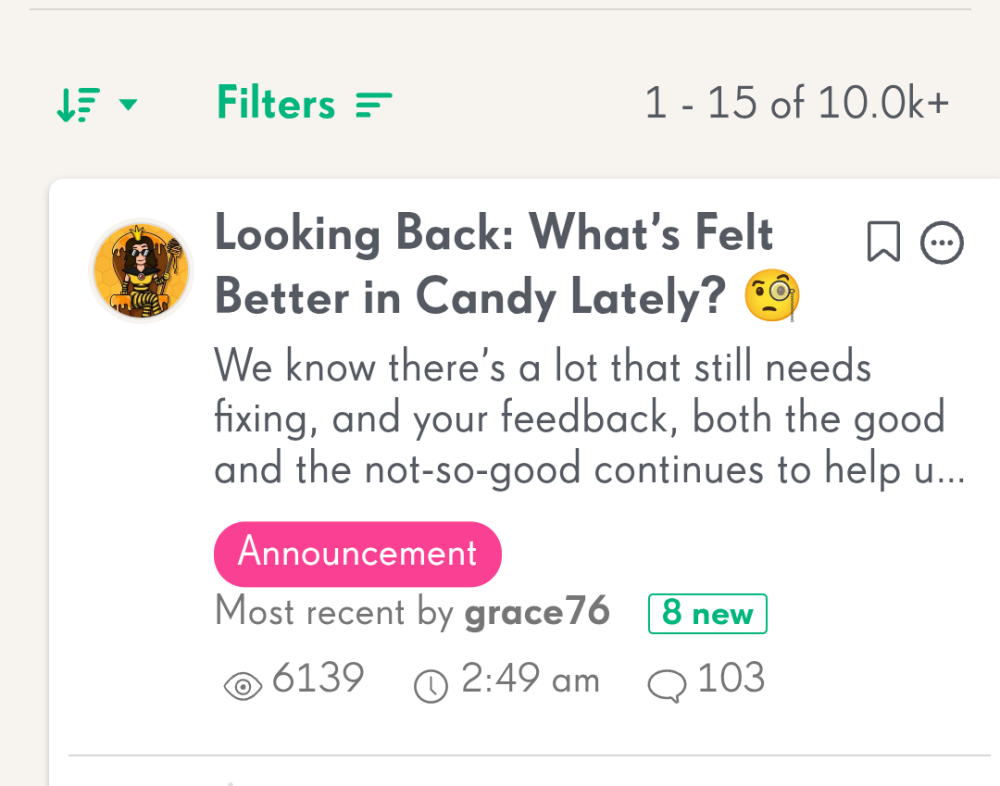
The Looking Back thread has 103 comments and eight new since the last time I viewed it.
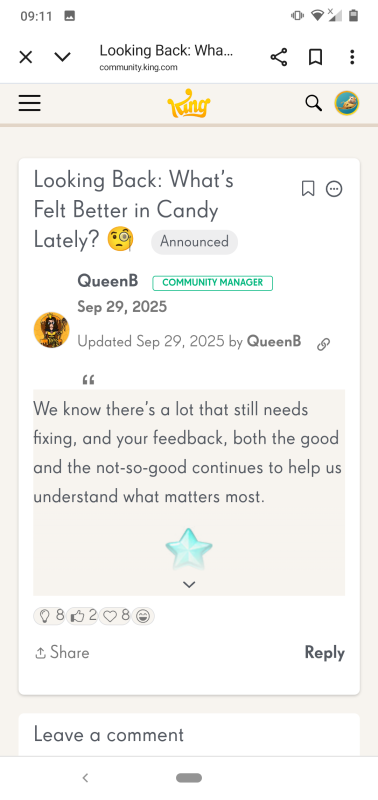
When I open the thread though there are no comments at all.
Great catch and yes, we have it on our list to get fixed 🫡 I myself had had this issue and I needed to delete the draft and reload the page to get it to work… not the best experience I agree but we're looking in to it 😉
We suspect this may be tied to the way sub-thread replies are being tracked, and that they might not collapse or count correctly.
I think you might be right @QueenB
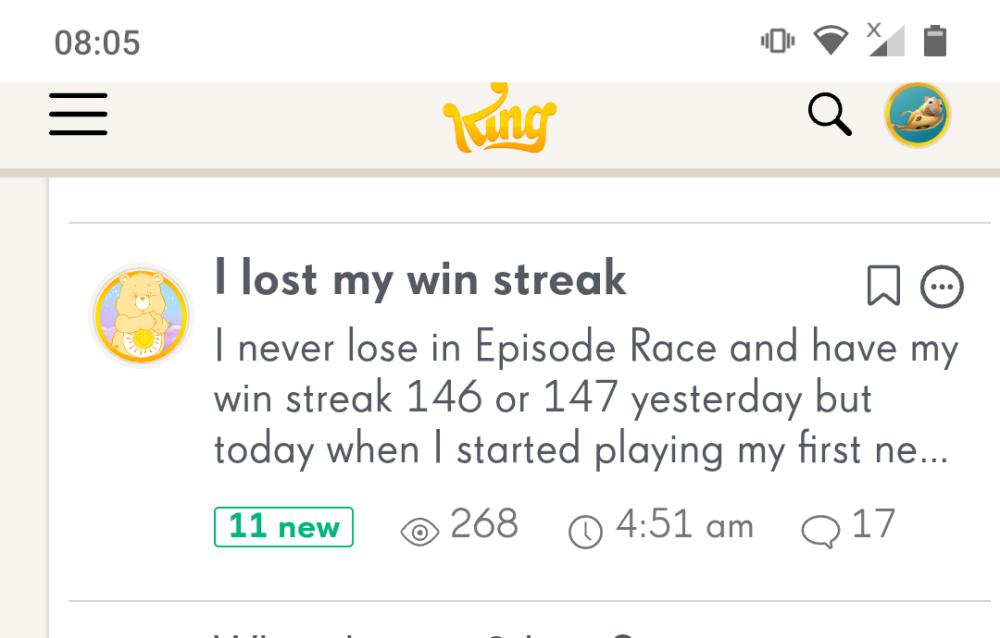
A thread I have been reading indicated it had 11 new comments.
When I opened the thread there were only two new comments but the total number of nested replies is eleven, none of which are new.
I was rather hoping the new Reply (Subthreads) would be removed 🗑️ @Alienscar they really mess with the flow of a thread. Suppose we'll have to wait and see, but if they do stay I won't use them 🤨
Sorry to tag you again @QueenB here is an issue that @Carol-38 has already mentioned but I don't know if you have seen that post
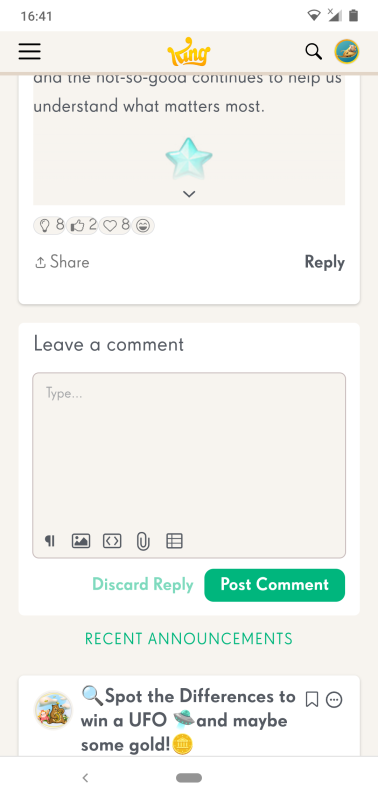
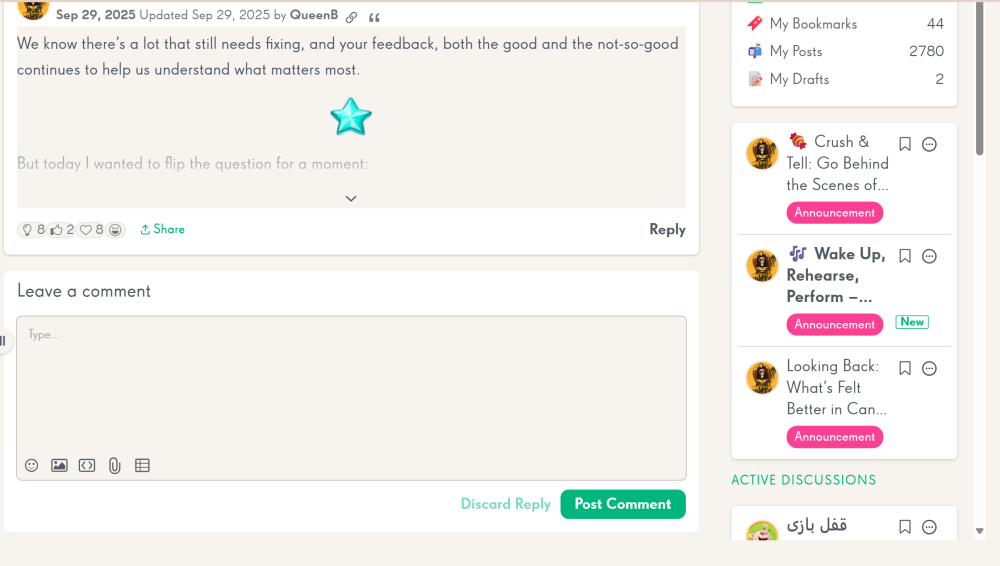
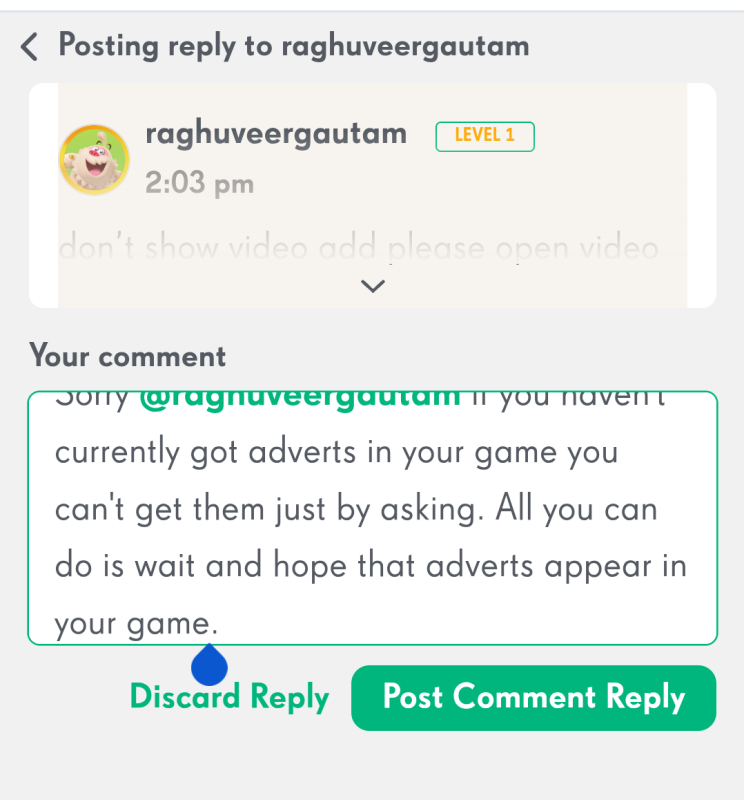
When replying to a comment the editing icons (reply, insert picture, insert media etc) disappear and you can't scroll up or down the text you are writing.
Carol said she had a scroll bar that didn't work, but as you can see I don't have a scroll bar.
Thanks once again for taking the time to share detailed feedback 🙏 I really appreciate the effort you’ve put into highlighting all these points.
A lot of what you’ve shared, the misalignment on mobile, the lack of labels on large icons, the clutter of new tags, and the experience of post positioning and continuity, has already been noted, and we’re working closely with our provider to explore improvements.
We know the experience is currently less intuitive than it should be, especially for newer or less frequent users so thank you for pushing on this 😉