Hi everyone,
Just a heads up!
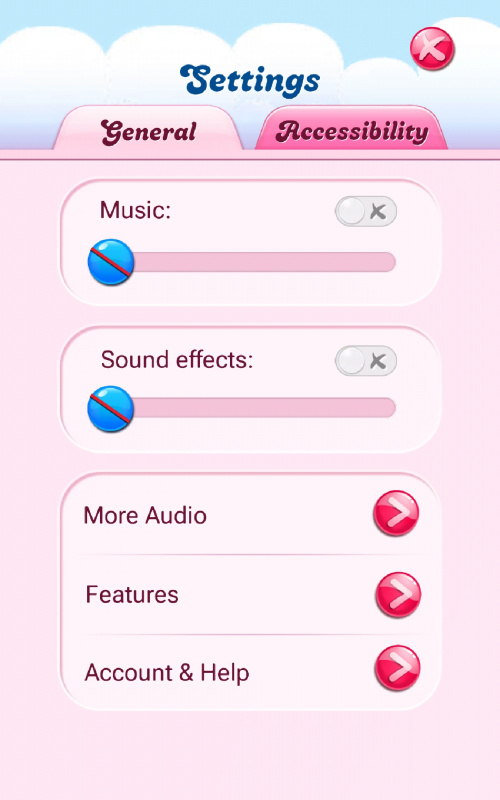
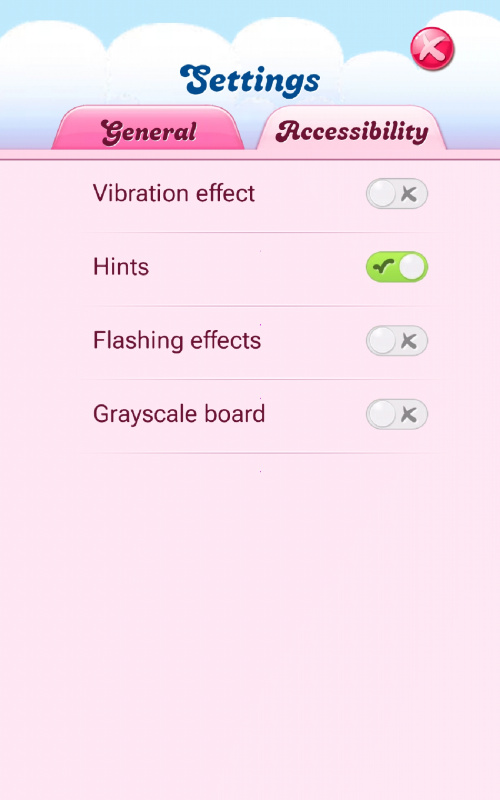
The Speed button that used to sit at the bottom right of the game board has now moved to the Settings menu. ( game app version 1.3150).
Here’s what’s changed:
- The speed toggle button has been removed from the game board.
- You can now find it inside your Settings menu instead.
- Once there, you can still switch speeds with just one tap so you’re always in control of your game pace ⚡
📸 Here’s how it looks:
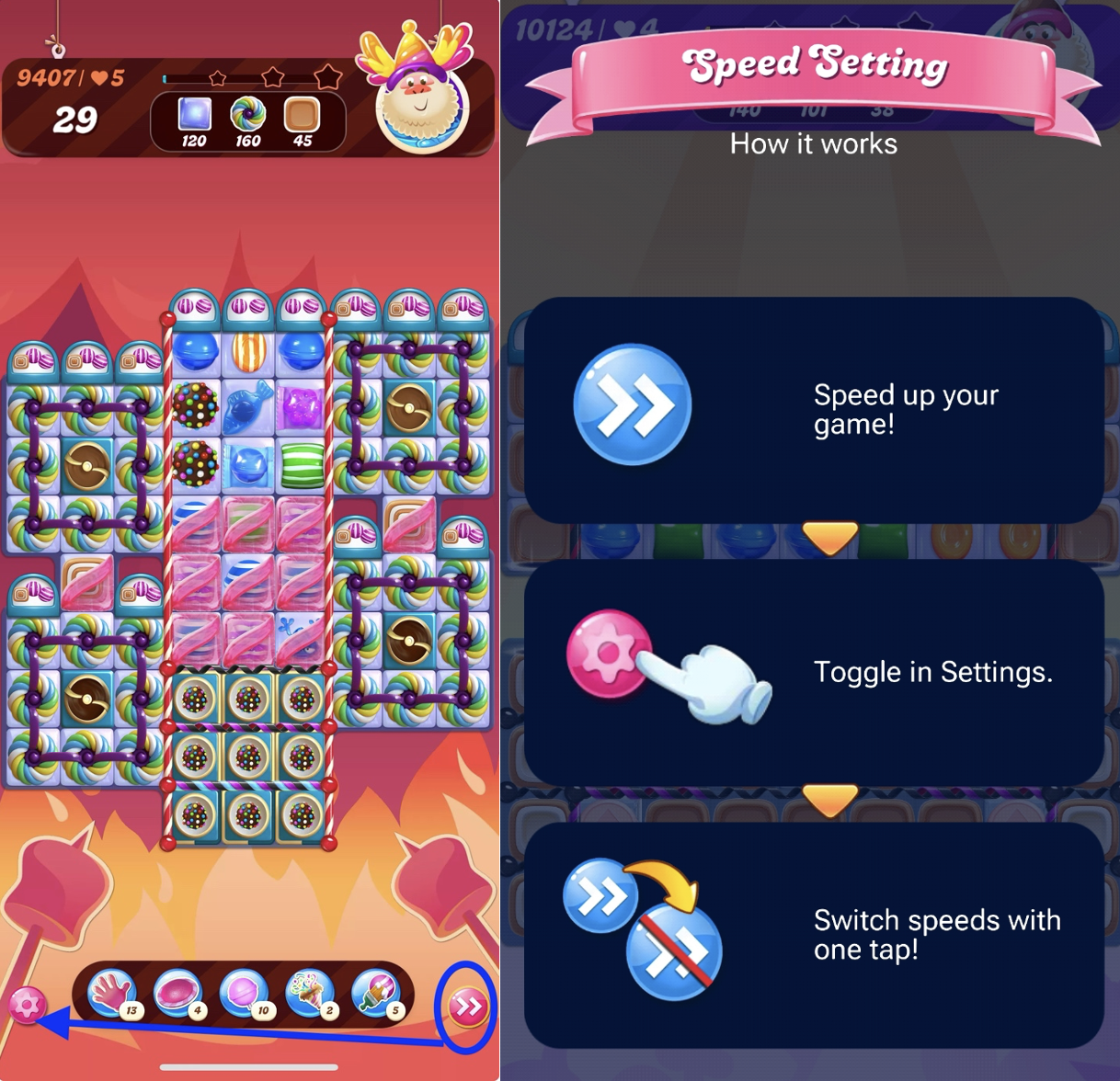
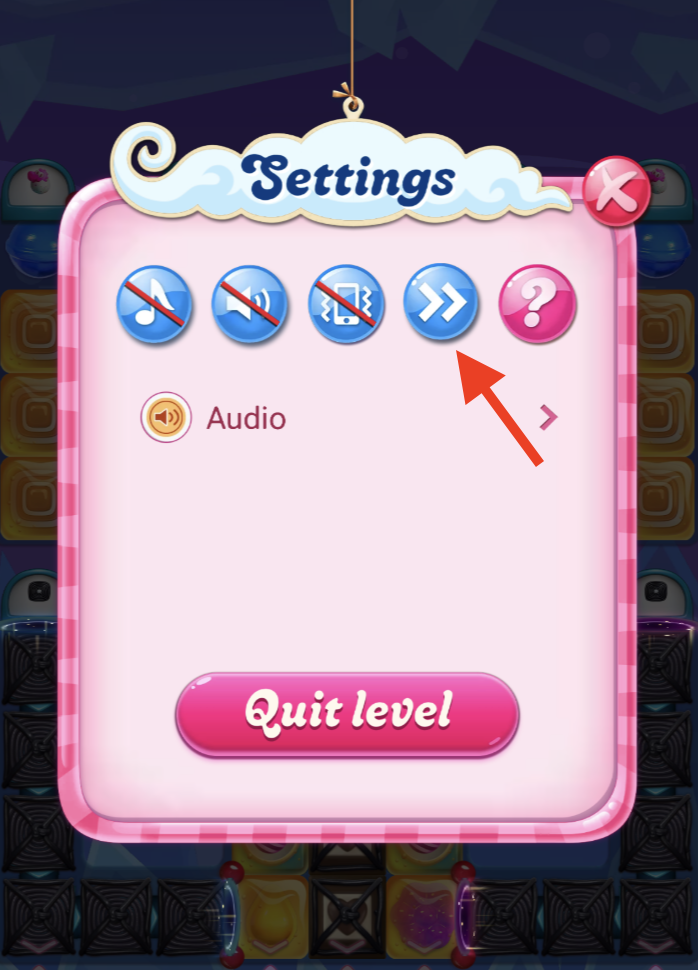
Whether you enjoy crushing candies at lightning speed or enjoy a slower pace, you can easily switch it up whenever you want.
Have you already tried the new setup? Let us know what you think below👇