Chat about Candy Crush Saga, share thoughts, news, or anything sweet!
Stuck or having trouble with Candy Crush Saga? Ask your question here and get help from others.
Enter for a chance to win Gold Bars and sweet in-game rewards in Candy Crush Saga!
Have a sweet suggestion? Share your ideas to help improve Candy Crush Saga.
This is your chill zone! Talk about anything thatās not Candy-related with other Candy players!.
@QueenB @LoFiGummy @Snow_Rider
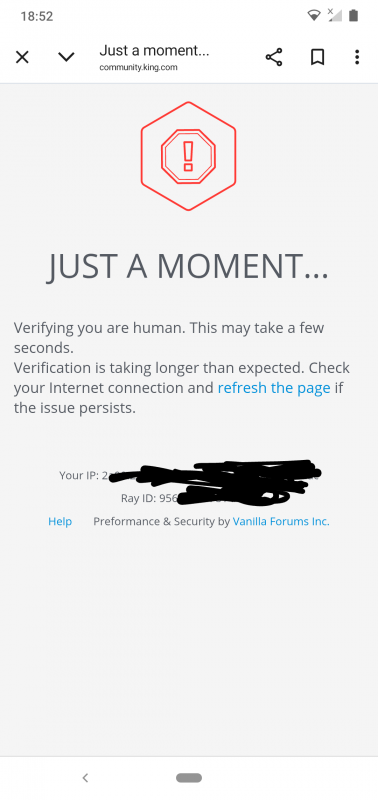
It took me ages to access the forum this evening due to the issue shown below.
Sign in or create an account to join the fun.
The way categories are structured are currently too large to show more than two buttons on screen
Thanks for the update @QueenB
Part of the frustration caused by the community update is that issues being caused by Vanilla never used to exist even though this forum used Vanilla. The categories all used to fit along the top, so the fact that they don't now means the 'improvement' has failed at a very basic element.
It shouldn't, in my view, require changing to a list or grid view as that never used to be the case. The issue seems to be the placeholder size is far too big for a mobile screen.
It is what it is though and as it has been nearly two months of suffering from the same reported issues I guess there won't be any change soon.
Thanks for flagging this š§
I'm trying to reproduce it on my end (I'm on iOS) but not seeing the same thing at the moment. Just to help us narrow it down, could you let me know:
Just wanted to follow up with a bit more context after checking with the team!
Right now, the category header resets whenever switching sections so even if you scroll to āIdeas,ā select it, and land on the correct section, the top banner still slides back to the first tab (like āDiscussionsā), which is confusing. We totally get how that breaks the experience and makes mobile navigation challenging.
The way categories are structured are currently too large to show more than two buttons on screen. The only workaround for now is switching to a list or grid view, but that comes with trade-offs too (like losing the icons).
So yeah, you're not imagining it, and this has been passed on as part of our ongoing feedback. Thanks again for your patience and really appreciate how clearly youāre flagging these pain points š
It is getting harder and harder to use this forum as a mobile user @QueenB
When I navigate to the Ideas board I have to first scroll the board titles to find the Ideas heading.
When I then open the Ideas board the board headings scroll themselves back to show the Discussion board heading whilst I am still in the Idea Board
This makes using the Idea board very difficult as there is no longer any easy way of getting back to the board you are in now after reading a post.
I am truly fed up of Vanilla prioritising a landscape view over a portrait view for mobile users
All of the main Board titles used to fit on screen without the need to scroll. To offer a mobile friendly UI we need that back again
PS: none of the issues in this thread have been resolved yet.
The URL of the thread is https://share.google/3rFXPQP5lnSioMXLl
@QueenB
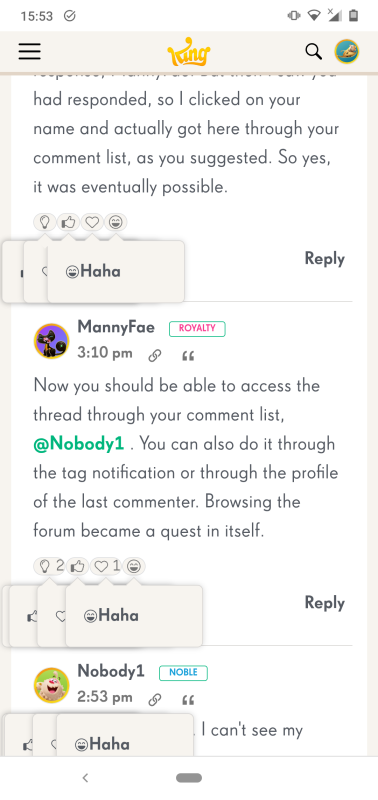
The always on reactions appeared as soon as I opened the thread and this is third time it has occurred. The first time was 28th Oct
The issue didn't occur on my laptop using an edge browser.
At the time neither refreshing the page nor reopening the forum helped.
The issue has stopped now.
Oh no! That definitely looks off š³ Thanks so much for flagging it.
Would you mind helping us figure out whatās going on by answering a few quick things?
In the meantime, it might be worth trying to refresh the page or check if the same thing happens in a different browser, just so we can rule out a local glitch.
OMG @QueenB this forum is getting worse
Look at the reactions. I haven't touched them they have done that automatically.
No, just temporary, but one more piece of the puzzle.
Hi @Peaches12 yes, clicking on your notification from the Looking Back thread resulted in me being able to see all the comments again.
I was hoping that might fix the issue, but opening the thread after still results in an empty thread being displayed.
...
For me, it will work from a notification. I just tagged you, @Alienscar in Looking Back⦠see if you see comments by clicking the link in notifications.
Same result using your link @QueenB
Thanks for letting me knowš One more try, can you ty this link HERE? I'm trying to see if it can be a urls issue as well š¤
If you're able to try a different browser or refresh a few times, itĀ mightĀ help in the meantime.
Neither refreshing, nor using a different browser makes any difference @QueenB
I get the same result using the Edge browser on a laptop as I do using Chrome on my mobile.
Heia š
Yup, we're aware of this issue and it's been reported ⦠they're still digging into it. Super frustrating, I know š£
If you're able to try a different browser or refresh a few times, it might help in the meantime. But if not, hang tight, hopefully a fix wonāt be too far off.
Really appreciate your patience (and for always keeping us in the loop š).
@QueenB as a lot of people are complaining about why are comments from some threads missing?
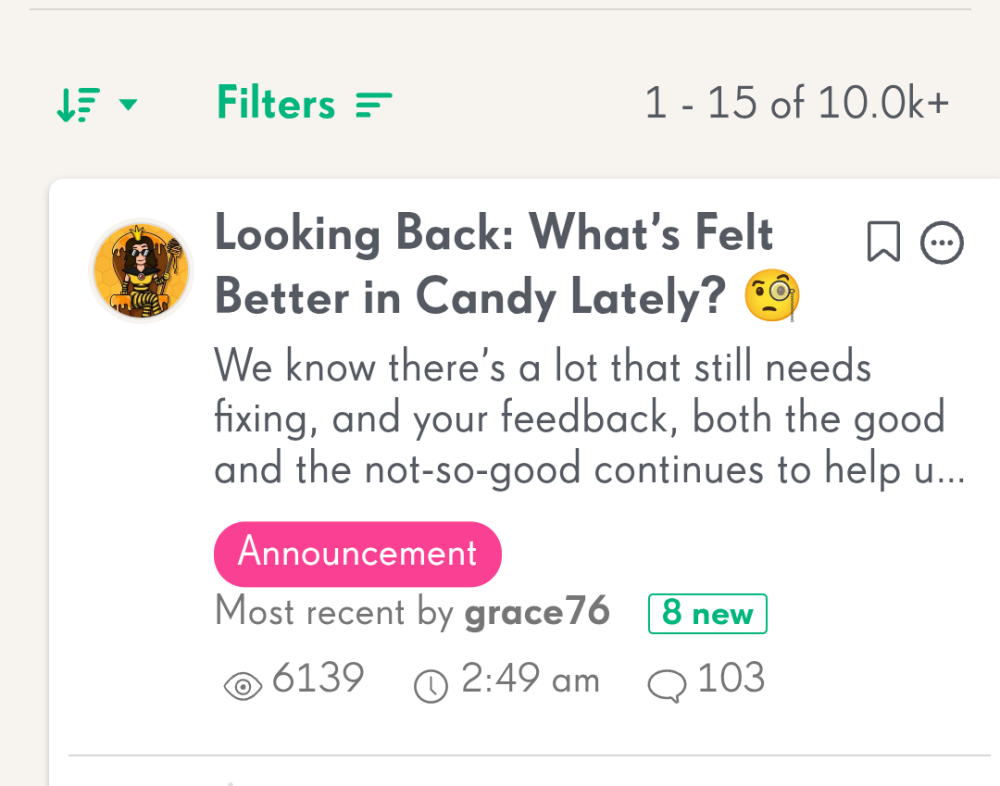
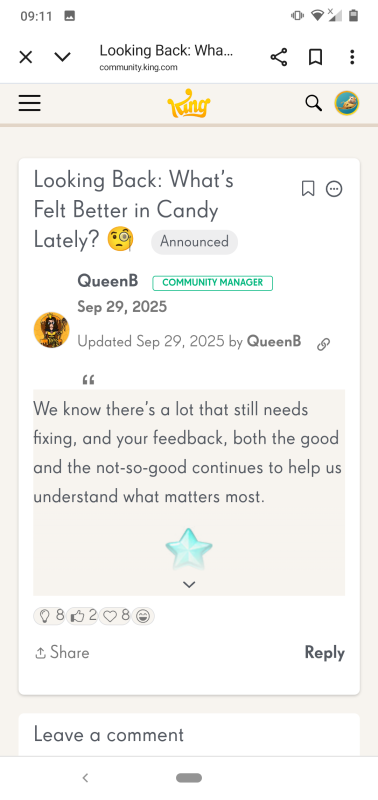
The Looking Back thread has 103 comments and eight new since the last time I viewed it.
When I open the thread though there are no comments at all.
Great catch and yes, we have it on our list to get fixed š«” I myself had had this issue and I needed to delete the draft and reload the page to get it to work⦠not the best experience I agree but we're looking in to it š
We suspect this may be tied to the way sub-thread replies are being tracked, and that they might not collapse or count correctly.
I think you might be right @QueenB
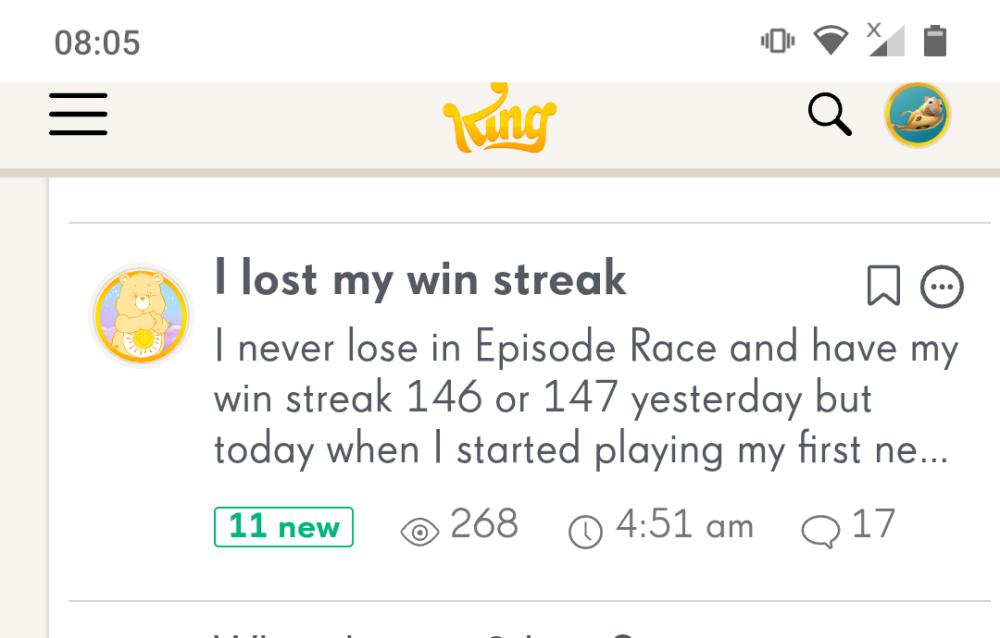
A thread I have been reading indicated it had 11 new comments.
When I opened the thread there were only two new comments but the total number of nested replies is eleven, none of which are new.
I was rather hoping the new Reply (Subthreads) would be removed šļø @Alienscar they really mess with the flow of a thread. Suppose we'll have to wait and see, but if they do stay I won't use them š¤Ø
Sorry to tag you again @QueenB here is an issue that @Carol-38 has already mentioned but I don't know if you have seen that post
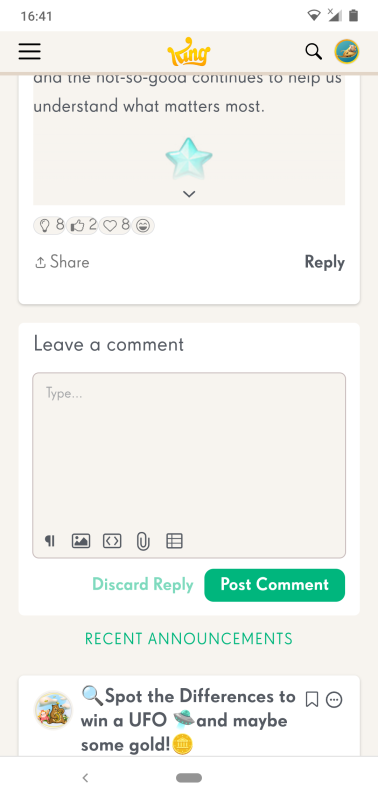
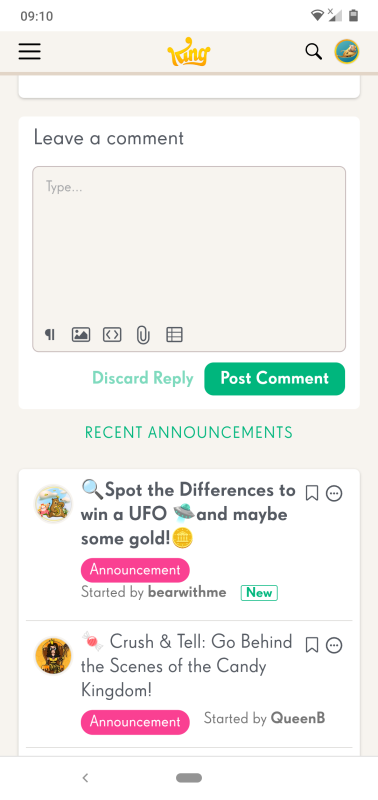
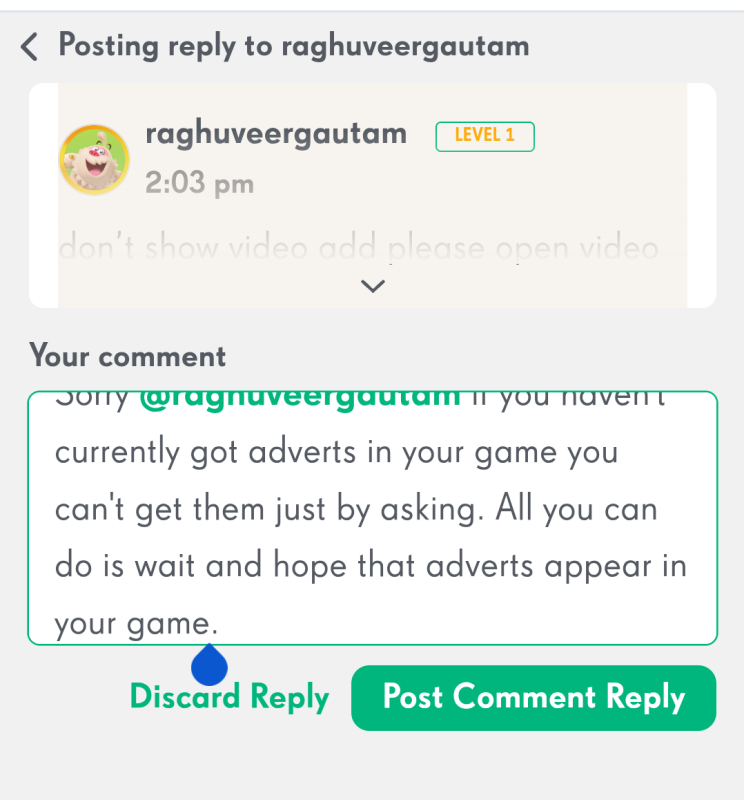
When replying to a comment the editing icons (reply, insert picture, insert media etc) disappear and you can't scroll up or down the text you are writing.
Carol said she had a scroll bar that didn't work, but as you can see I don't have a scroll bar.
Thanks once again for taking the time to share detailed feedback š I really appreciate the effort youāve put into highlighting all these points.
A lot of what youāve shared, the misalignment on mobile, the lack of labels on large icons, the clutter of new tags, and the experience of post positioning and continuity, has already been noted, and weāre working closely with our provider to explore improvements.
We know the experience is currently less intuitive than it should be, especially for newer or less frequent users so thank you for pushing on this š
This isn't a problem with vanilla as such but it does highlight how user unfriendly this recent update is if you use a mobile.
You said
Nothing could be further from the truth as the whole mobile experience is now worse.
On a laptop you are greeted with the view you can see below and this is a much more friendly appearance
On a mobile this is the view that greets you
Large untitled icons that are too big for the screen and a large green plus sign. How are new users meant to know what any of this means?
Also on mobile where is the 'Somebody needs help! link?
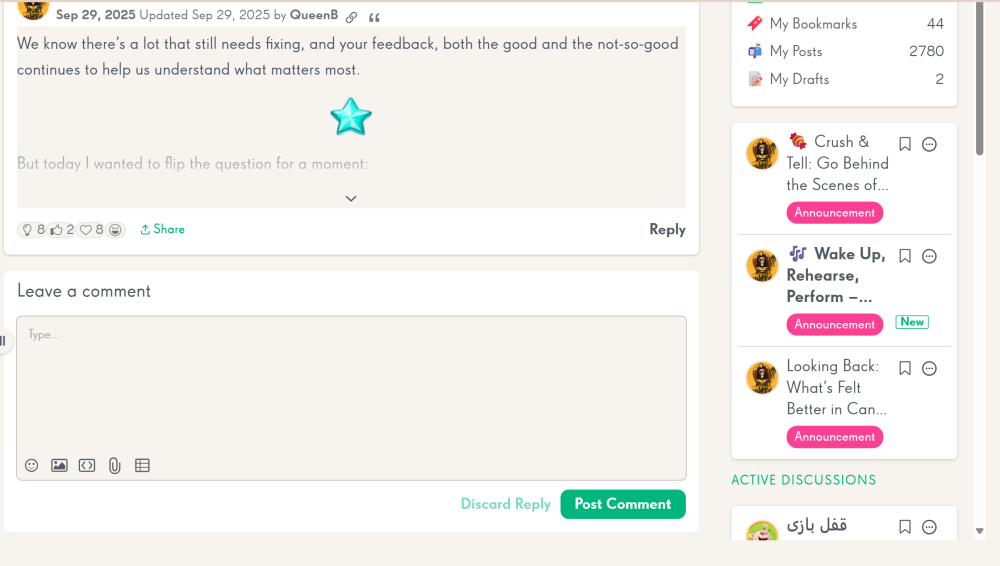
This isn't a chat room, so we do not need features from a chat room such as the Active Discussion links that appear at the bottom of a page when you are commenting on a thread. Most people that post here post once and never post again, so the veneer of chat functions that have been added are by and large redundant.
Lastly what do you think the purpose of showing the last post first is? That is a serious question and I hope you can answer it.
Apart from languages that have never been supported on this site everyone has learnt to read in the same manner and that is left to right and top to bottom.
Having the newest post at the top ruins the continuity of the communication as the whole context of the conversation is ruined by reading the last post first. It is like reading the last page of a book before you have read the first sentence.
Š new user isn't likely to know they need to change the default view in order to see the latest posts (and neither should they have to).
Yes, that's why I think the default setting should be changed so that 'Recently Commented' is the default view for everyone unless it is manually changed. I meant forum-wide defaults, not my personal defaults.
I know nested replies do not generate notifications, but unfortunately I forgot to tag @QueenB.
A thread does correctly rise to the top if sorting is manually set to 'Recently Commented
I did realise this @MannyFae but that was my point about user action and a new user isn't likely to know they need to change the default view in order to see the latest posts (and neither should they have to).
Nested replies do not generate notifications, so QueenB might not see your response
Commented threads not bumping to the top of the board: It seems that if someone comments on a thread, it doesnāt rise to the top as expected, especially if itās a nested comment.
A thread does correctly rise to the top if sorting is manually set to 'Recently Commented'. It's a better default setting because it shows both the most recently created and recently commented posts at the top, and this was the way the forum worked before the redesign. It should be possible to change the default setting in config.
Hi @Alienscar š
Thank you so much for taking the time to report all these issues in such detail. I know it takes effort to explain and screenshot everything, and I want you to know that itās truly appreciated š
Youāll be happy to hear that a number of the things youāve raised are already being looked into. Weāre reviewing a bunch of layout and behavior quirks with the new design, and several of your points match what weāve got on our internal board. That said, your latest round of feedback also flagged a few new things we hadnāt captured yet, which is super helpful š
Hereās a quick update from our side:
We're compiling this all as part of our upcoming internal review so we can prioritize fixes.
Again, thank you for being so thorough and patient with us. I know adjusting to the new layout hasnāt been easy, but your feedback is helping us make it better and weāre listening.
Another example @QueenB of how difficult it is for a new user to navigate and join in with recent discussions.
I have added information to my Issues with Vanilla post. Under normal and sensible forum coding any post that is being actively posted in would/should appear at the top of postings. This new update means no matter how much I post my comment is lost on page 147 of the board.
If posts that are being commented on can't rise to the top automatically without user action then this site is actively surpressing active communication.
@QueenB this forum is a mess
My post Season Pass Update shows 6 new
I open it and there are only three new comments.
As you can see just two new comments and a nested reply.
Also after reading and navigating back to the board the post still displays 6 new.
@QueenB another example of how mobile users have been forgotten about with this new community layout.
PORTRAIT VIEW
LANDSCAPE VIEW
How are new users supposed to navigate this forum easily if basic labels aren't formatted to appear correctly in portrait view.
Another issue @QueenB is that a posts status doesn't not update after it has been viewed making it difficult to keep track of posts I have already seen.
Read a post
But when I navigate back to the board view the post is still showing as new.
@QueenB I have mentioned this before but I see it still hasn't been addressed even though we now have a new layout.
Considering this change is supposed to benefit mobile users why is the UI configured for landscape view.
Also are you aware that the comment status doesn't seem to update as it should.
In the screenshot below I have replied to Carol's post, but as you can see there is no indication that I have.
Thanks again for sharing that new instance of the overlap and for including both portrait and landscape views! Super helpful as always š
Iāve passed this onto the team so they can keep tracking any additional cases. The original filter overlap you reported is now confirmed as a known issue, and theyāve added it to their backlog. Theyāre also monitoring these new instances to see if anything else might be connected.
Iāll keep you posted if I hear anything back š
Happy Birthday to all the CCS candy crushers who were born in January! @Arfatalmkhlafy30 @DaveOlamipo @mags94 @Molly9 @Nan_68 @Dawson1968 @Ericapereira @EnergizerBunny @DayMelloMelloMello @Kazza-3 @mamalagana4 @candymaster10 @crystalf308 @Palash_Sarma @whatlaralikes @Myalle @Daniele1982 @grace76 @conf3tti @Cas3975 @Faheemā¦
https://youtu.be/Hk-qIoo5weE š Weāre back⦠and kicking off the new year with a brand-new episode of Crush & Tell! In this episode, we will go behind the scenes with Mick, Senior Game Designer, as he reveals the secrets behind level design, player psychology, and how every swipe is made to feel just right. Youāll discoverā¦
Many of you have asked about the video ads feature in Candy Crush Saga. If you're wondering why the ads have disappeared from your game or why a friend has them but you donāt, here's a quick explanation: š Video ads are not a permanent feature in the game. Like other special features, they can come and go. Theyāreā¦
Welcome to the Candy Crush Saga Episode Unlock Dayš New sweet levels are released every Wednesdays in Candy Crush Saga! How many levels are in Candy Crush Saga right now? Release date - January 7th Facebook, iOS, Android and Windows App: 21 185 levels Leave feedbackĀ on the new levels directly to our Level Designers HERE.
Welcome to the Candy Crush Community! Here you can find all hot and sweet topics, threads, and trends. What's theĀ latest release and highest levelĀ in the game? Find all infoĀ HERE. Leave feedbackĀ on the new levels directly to our Level DesignersĀ HERE. š Help on Levels! 15 Best tips & hints on how best to play and enjoyā¦
16006 How want to add me ?
I was taking a nostalgic tour into past Winter Cup threads and it saddens me how the game has changed. There were over 500 posts in 2023/24 and such a bustle of enthusiasm. Those were the days when players still had control over their achievements and strategies gave us control. Then I came across this thread from a yearā¦
I have gotten to level 11526 bur can't get past. Anybody have suggestions?
I did not take a screenshot of my 2025 unwrapped stats in December. I do not see a widget for them on the map. Is there a way to still view them?